Trading bots in cTrader
cBots are robots or programmes that perform trading operations on your behalf. These algorithms can analyse market conditions, place orders and manage risk according to the rules in their code.
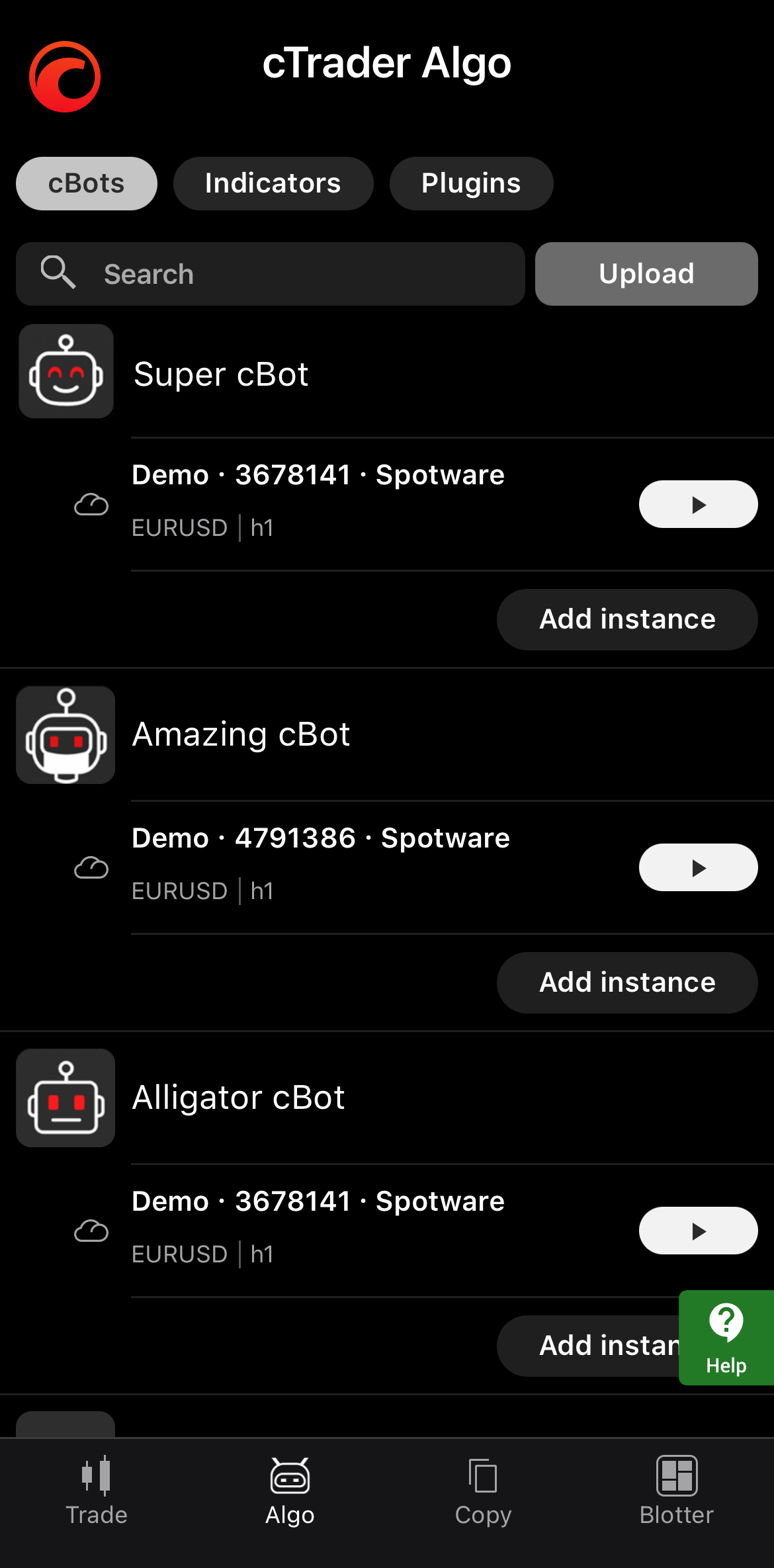
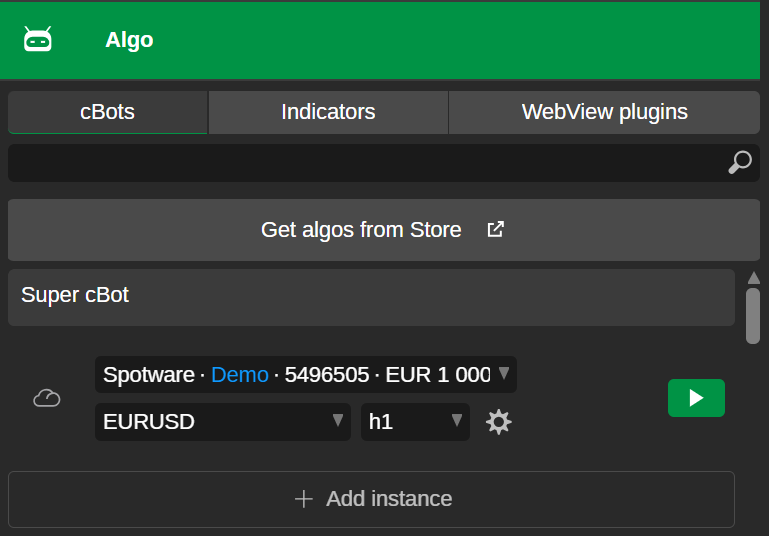
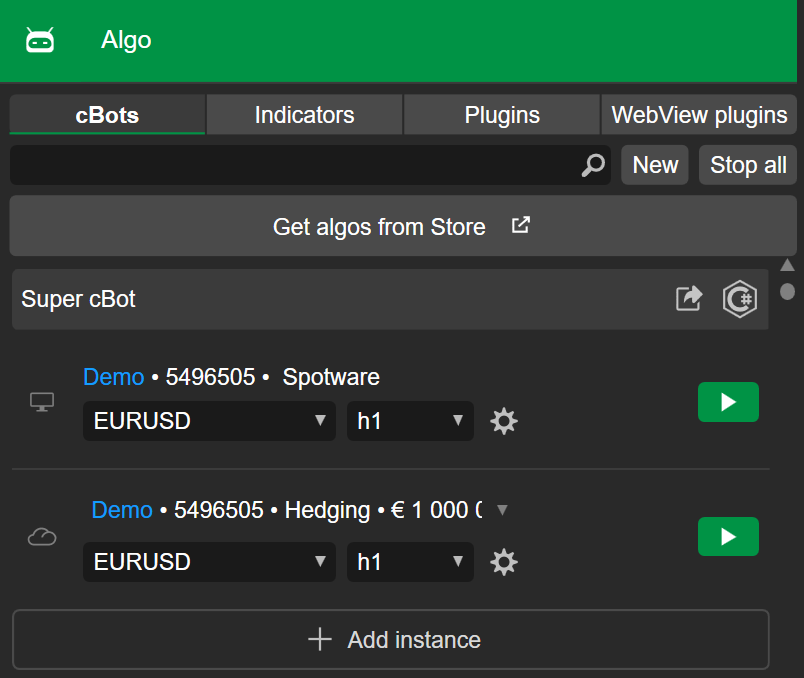
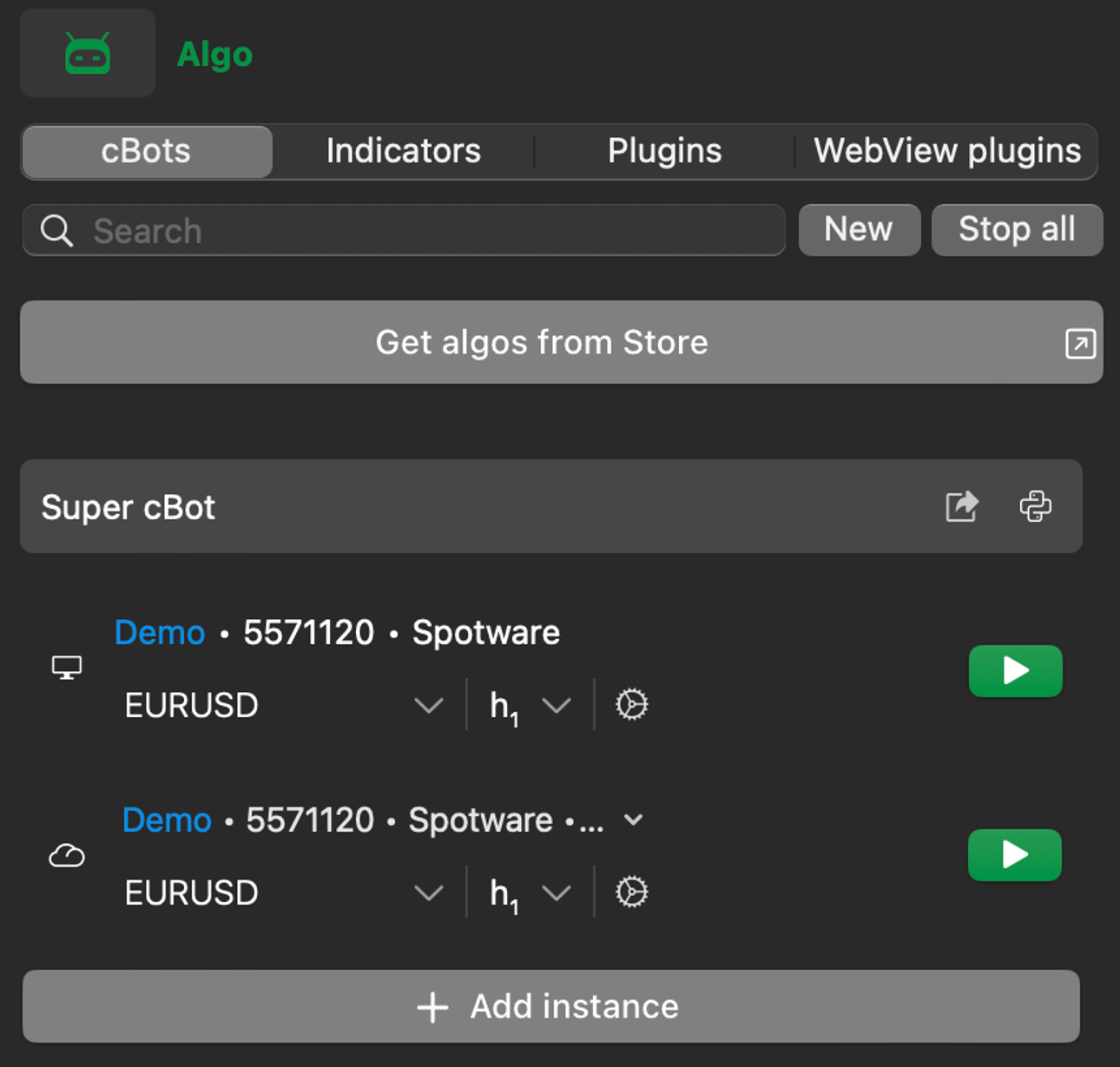
A cBot appears under the Algo tap in your cTrader app after you do one of the following:
- Install a cBot from cTrader Store
- Open a cBot
.algofile using a cTrader app - Create your own cBot by writing code in C# or Python
How trading bots work
To make a cBot perform trading operations, start an instance of it. You can think of an instance as a copy of the bot with its own parameters.
The table below shows the instance types, cloud and local, available in each cTrader application:
| Instance | cTrader Mobile | cTrader Web | cTrader Windows | cTrader Mac |
|---|---|---|---|---|
| Cloud | ✅ | ✅ | ✅ | ✅ |
| Local | ✅ | ✅ |
Tip
Each cBot instance operates independently, meaning you can run multiple instances of the same cBot across different symbols, periods, trading accounts and settings.
Depending on its logic, a cBot may do the following:
- Open, modify and close positions automatically.
- Apply risk controls such as stop loss, take profit, trailing stop or position sizing rules.
- Follow a strategy style such as breakout, trend-following, mean reversion, grid or momentum.
- Generate signals using custom analysis tools or indicators.
Beyond standard trading operations, some cBots can interact with files, process external data or execute custom workflows.
Developer guides
The cTrader Algo section focuses on developer workflows for trading algorithms. There, you can learn how to: