Cloud features in cTrader
Cloud features in cTrader include cloud synchronisation and execution. Cloud synchronisation ensures that new algorithms and updates to them are available in all cTrader apps, while cloud execution allows you to run trading bots 24/7 in a safe, dedicated environment independent of your device.
Cloud features in one minute!
- Access all your algorithms in any cTrader app, as free cloud hosting ensures cross-device availability and eliminates the need for repeated installations.
- Start a cBot with a tap of a cloud instance in any cTrader app, including Mobile, Web, Windows and Mac.
- After starting a trading bot in the cloud, it runs 24/7, even with your device switched off, without requiring a VPS. Cloud is free for all users.
- Benefit from high-speed connectivity and optimised processing for trades initiated by trading robots running in the cloud.
How it works
With cloud synchronisation enabled, all received, installed or created algorithms appear automatically in the Algo app of all cTrader applications where your cTID is active. However, cloud execution is possible for cBots only.
When you want to run a cBot, you can choose to start a cloud instance and then:
- The cBot runs in a safe, isolated environment provided by cTrader.
- The bot executes continuously until you stop it or an error occurs.
- The cTrader app (Windows, Mac, Mobile or Web) does not need to stay open or connected to the internet.
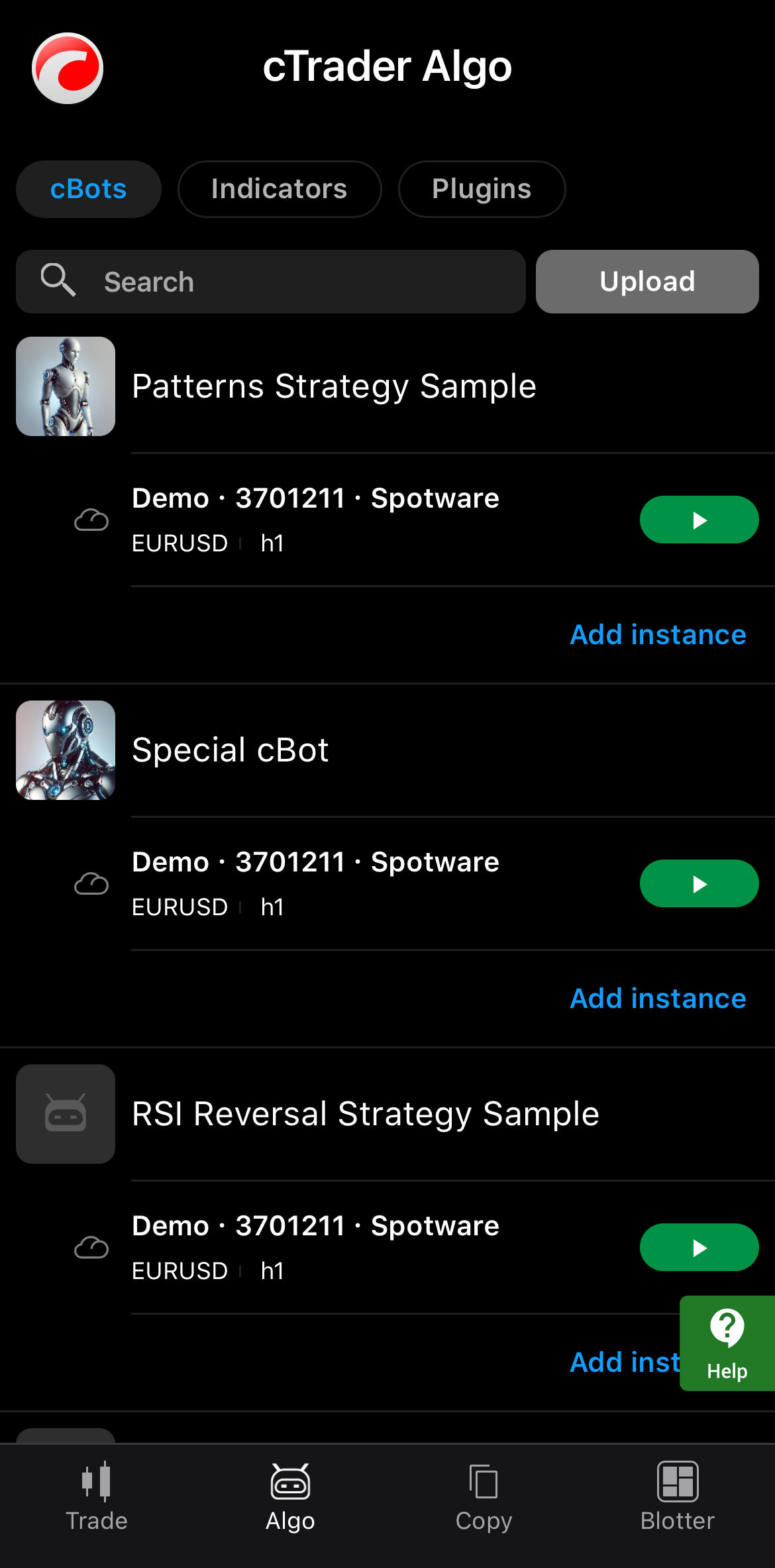
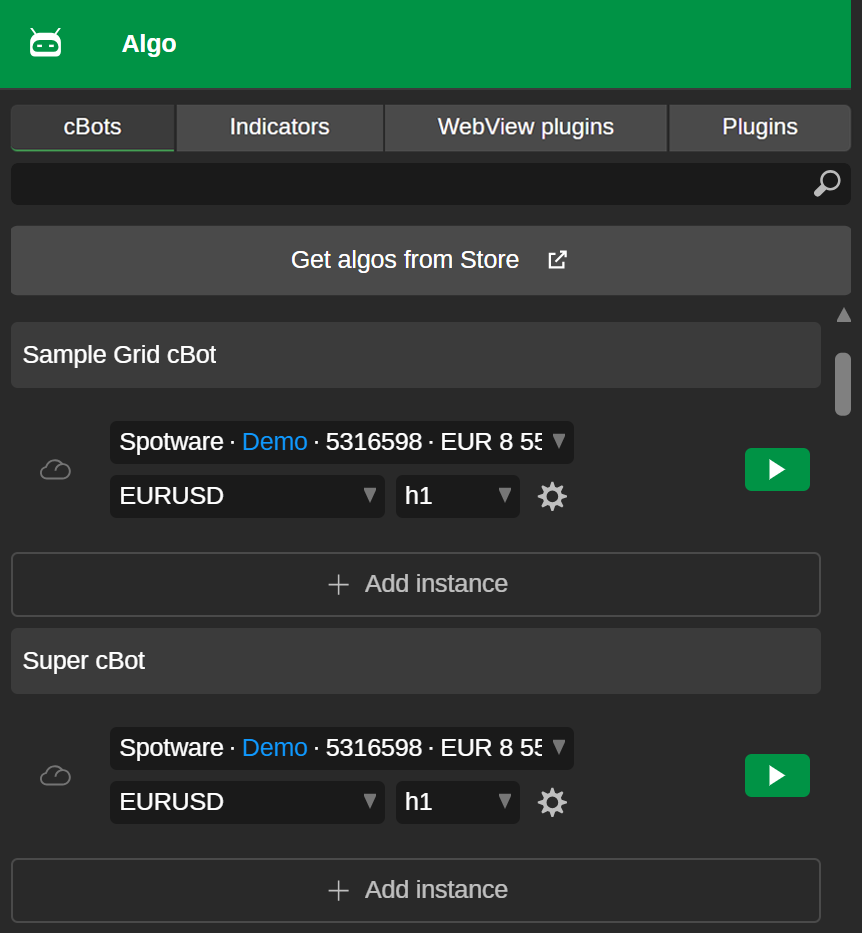

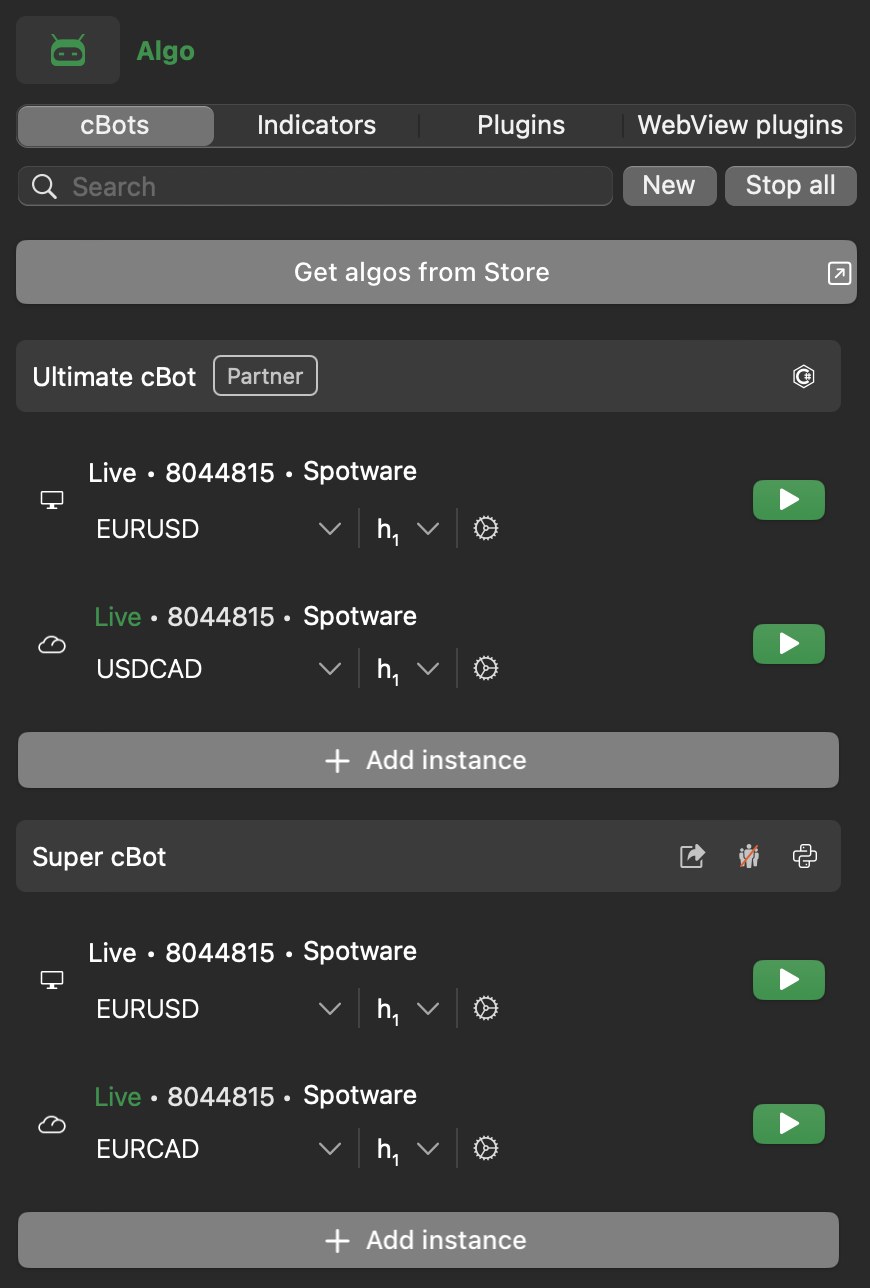
Cloud execution of cBots is subject to the following rules, which can also vary by broker.
| Rule | Live account | Demo account |
|---|---|---|
| Concurrent cloud instances | Max 10 | 1 |
| Runtime | 24/7 | Max 7 days, then the cloud instance stops automatically and can be restarted. |
Note
cBots developed using external packages can run in the cloud when certain conditions are met.
Optionally, you can run cBots locally in cTrader Windows or Mac, in which case they execute directly on your machine, and local execution requires the cTrader app to stay open.
Synchronisation states
Cloud synchronisation ensures the delivery of installed products (cBots, indicators, and plugins) from Store to cTrader apps. While it is always enabled in cTrader Mobile and Web, cTrader Windows and Mac support support adjustments that affect only the respective app.
Note
Cloud synchronisation, even with sharing enabled, is completely secure and does not compromise your intellectual property. Cloud features work seamlessy with the protection mechanisms built into the .algo file, ensuring that your algorithm source code is never exposed.
The table below outlines how cTrader features and related operations behave depending on whether cloud synchronisation is enabled or disabled.
| Feature | Synchronisation is on | Synchronisation is off |
|---|---|---|
| Cloud instance | Available and can be used from any cTrader app on any device. | Unavailable in cTrader Windows or Mac. |
| Sharing | If sharing is enabled, algorithms automatically appear in your invited traders' Algo apps. | Sharing and auto-distribution through the cloud are inaccessible. |
| Updates | Logic, custom images and statistics are synced to the cloud. | No synchronisation of updates. |
| cTrader Store | Algorithms installed from Store automatically appear in cTrader applications. | Installing algorithms from Store involves downloading and opening local files. |
Algorithm sources
After you add an algorithm, it appears in cTrader Algo automatically, and a protected copy associated with your cTID is uploaded to the cloud. These are the main sources and events through which algorithms are added to the Algo app:
- Creation – independently creating a new cBot, indicator or plugin in cTrader Windows or Mac.
- Via a file – opening an
.algofile in cTrader Windows, Mac or Mobile. - Via a link – accessing an algorithm via an invite link generated by a partner.
- Automatically – accessing all algorithms in cTrader Algo that are shared by a partner with invited traders.
- cTrader Store – installing an algorithm directly from cTrader Store.
Customisation
In addition to aiding distribution, cloud synchronisation provides a streamlined way for partners and developers to customise algos. You can do the following:
- Upload a custom image for your algo.
- Display live account statistics, which apply to the entire account and not just one cBot.
- Define default cBot instance settings (symbol, timeframe, parameters).
- Show backtesting reports on the algo page.
Cloud vs local execution
| Property | Cloud execution | Local execution |
|---|---|---|
| Algo type | cBots | cBots, custom indicators, plugins |
| Accessibility | All cTrader apps | cTrader Windows and Mac |
| Operation time | 24/7 | When the computer is running |
| Latency | Low latency thanks to optimised connectivity | Dependent on the user's network, location and more |