How to handle bar events
Bar events are essential to the lifecycle of any cBot. Properly handling these events is crucial for managing how your cBots react to new market conditions. In this article and its corresponding video, we will demonstrate the key types of bar events and discuss the handlers for these events exposed by the cTrader API.
- Bar - refers to different types of objects that are sequentially drawn on the trading chart by cTrader. It could be candlesticks, Renko bricks, Range bars or even Heiken Ashi candles.
Handle the BarOpened event
Bar events occur when a new bar begins to plot on the trading chart linked to a cBot. The BarOpened event occurs for the new bar that has just started to be drawn on the chart.
Handling this event is done via the OnBar() method, which is an inherited method from the base Robot class. We will now create a cBot that handles the BarOpened event as part of our strategy for analysing market sentiment. We will delete the OnStart() and OnStop() methods from the template and replace the OnTick() handler with the OnBar() handler.
1 2 3 4 5 6 7 8 9 10 11 12 13 14 15 16 17 18 19 20 | |
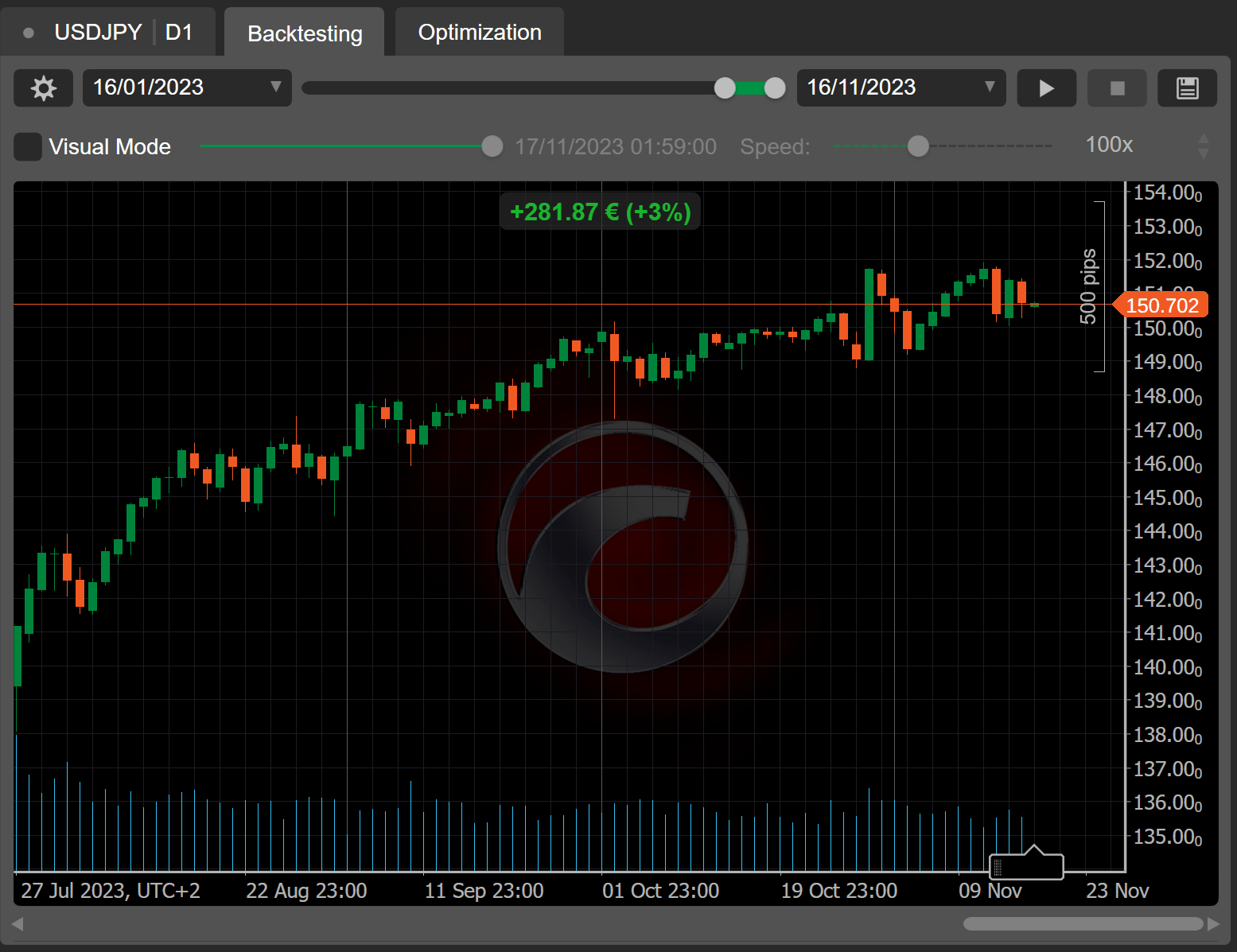
The cBot is supposed to be launched on charts with the D1 (daily) timeframe. On every bar, it compares the open price difference with the previous bar open price and places a new order in a suitable direction. If the price difference is insignificant, the bot instead closes all currently open positions.
If we run a backtest of this simple bot, the results seem to be encouraging.
Handle the BarClosed event
When a new bar opens, it effectively lacks any price data apart from its open price. In many cases, you may want your cBot to access data from the previous bar to ensure smooth strategy execution. This is why the BarClosed event occurs for the bar that has just closed (the one immediately prior to the new bar) and allows you to easily use its price and volume data. When the BarClosed event is triggered, the newly opened bar is entirely omitted from the Bars collection
To handle the BarClosed event, the API exposes the OnBarClosed method.
Note
In the previous example, we used the Bars.LastBar.Open property to get the open price of the newly opened bar. If we used the same property in the OnBarClosed() method, we would get the open price of the bar that has just closed.
We will create a simple cBot that uses the OnBarClosed() handler as follows.
1 2 3 4 5 6 7 8 9 10 11 12 13 | |
The cBot detects a bullish (hammer) pattern evaluating the length of the bottom wick of a candle. If a hammer pattern is detected, all previously open positions are closed and a new buy order is placed with a 50-pip stop loss.
If we backtest the bot, we will get decent results.

Add custom event handlers
When handling the BarOpened and BarClosed events, you can also use a slightly different syntax by assigning these events with custom handlers. While OnBar() and OnBarClosed() are only triggered once, you can assign as many custom handlers as you want, which allows for adding complex logic.
Note
Custom event handlers must be added in the OnStart() method. Custom handlers must also accept an argument of the BarOpenedEventArgs (for the BarOpened event) or the BarClosedEventArgs (for the BarClosed event) types.
1 2 3 4 5 6 7 8 9 10 | |
We will create another cBot that uses two custom handlers for the BarOpened event to react to possible bullish and bearish reversals.
1 2 3 4 5 6 7 8 9 10 11 12 13 14 15 16 17 18 19 20 21 22 | |
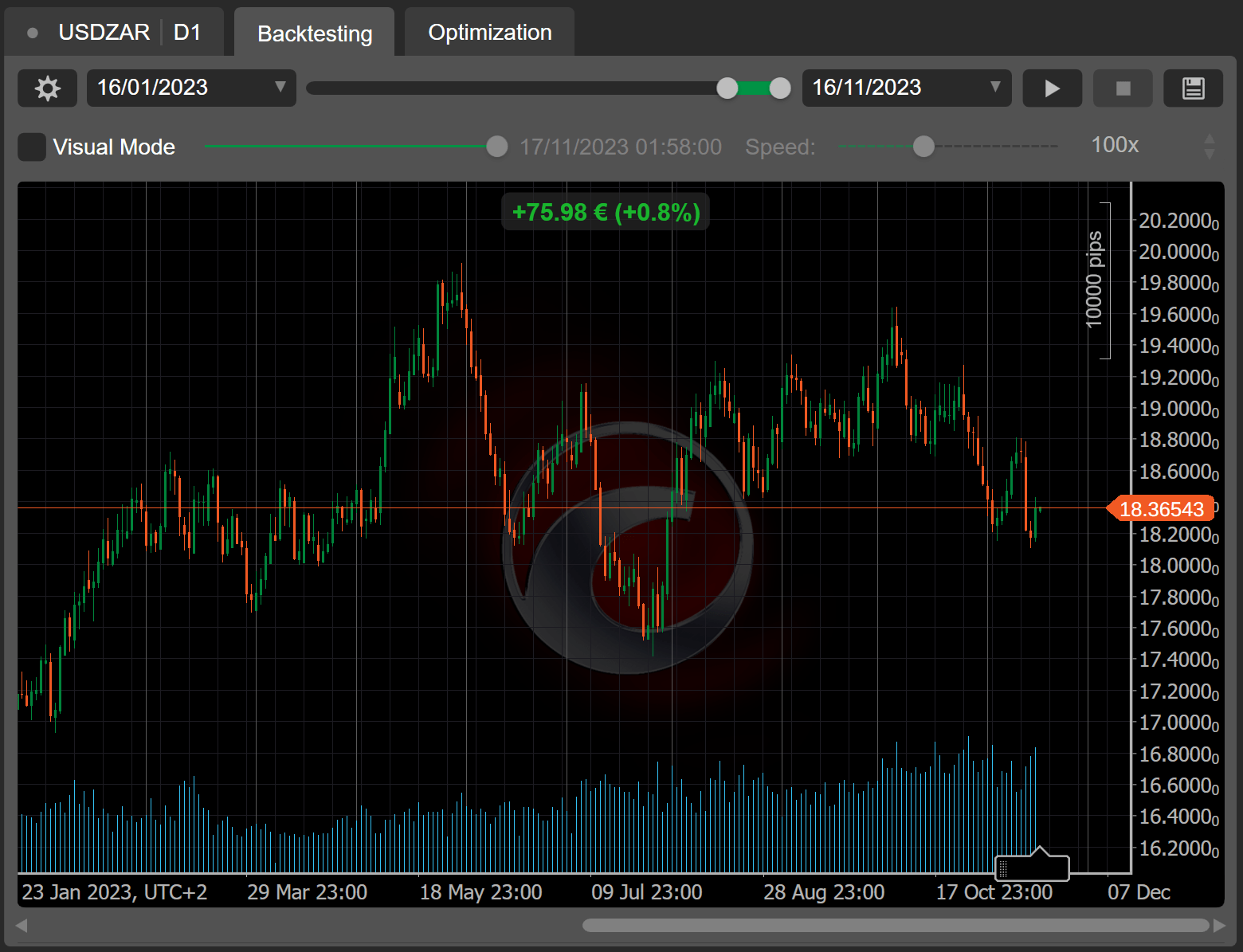
The cBot checks if the open price of the newly opened bar is higher than the close prices of two preceding bars. If this is the case, a buy order is placed. If the open price is lower than the close prices of two preceding bars, a sell order is placed. The use of two separate event handlers allows us to divide our trading logic into smaller components which we can easily modify later if needed.
The results of backtesting on a D1 timeframe are also positive.
Summary
By learning how to properly handle bar events, you can make your cBots do exactly what you want them to do and you want them to do it.