Open an account
To trade with real funds, open a trading account with a trusted broker that offers cTrader.
Account types
| Live | Demo | |
|---|---|---|
| Funds | Real | Virtual |
| Opened with | Broker | Broker |
| Expires | No | Yes, on a limit each broker sets |
Cross-broker app
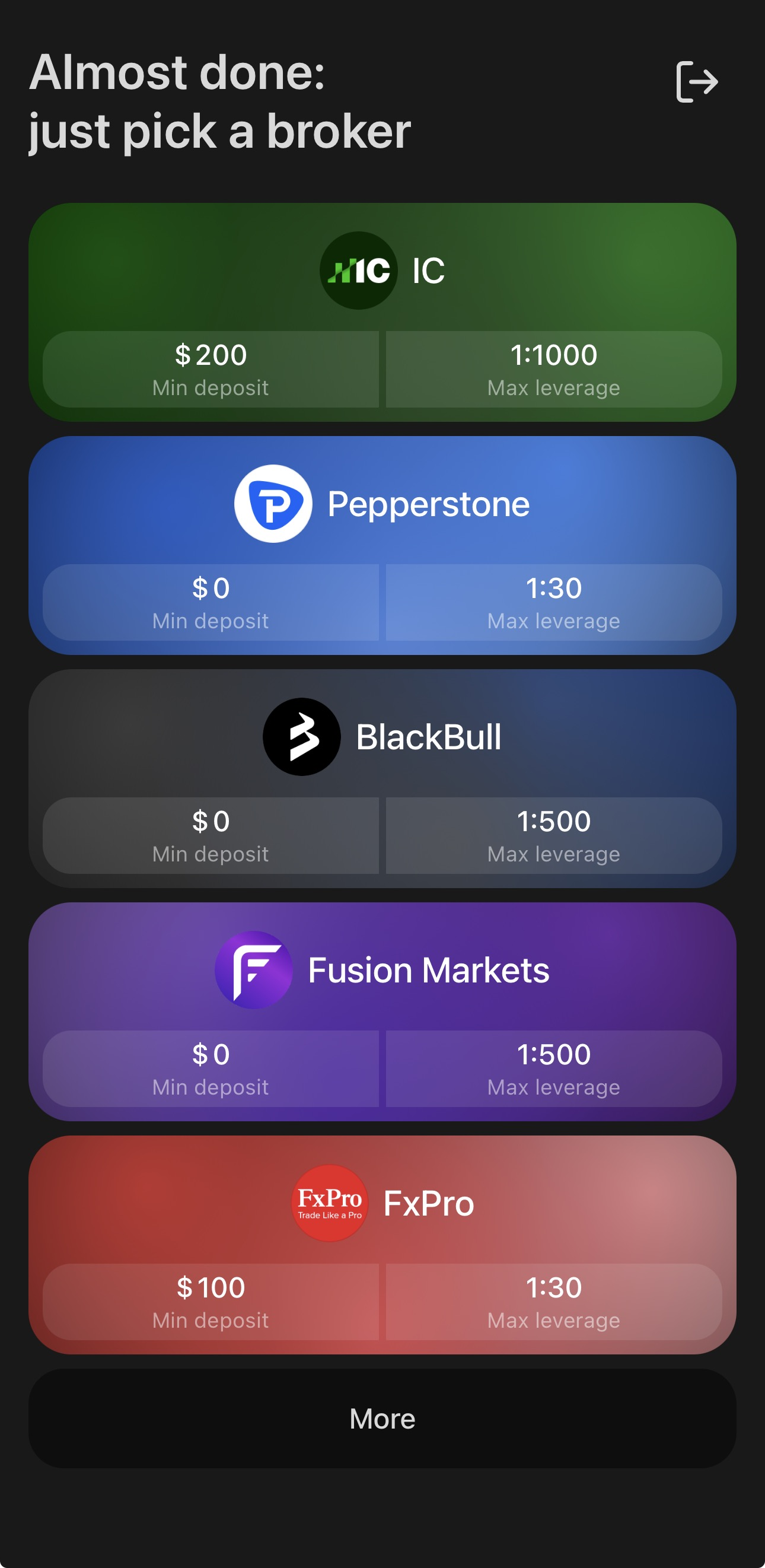
The cross-broker app carries the list of every broker that offers cTrader. After you sign up, the cross-broker app lists featured cTrader brokers for you to open a live or demo account and dive into trading. You can view a full list of brokers by tapping More. The screen reappears on every log-in until you have an account.
Note
Once you hold an account, every next one is opened through the routes in All apps below.
All apps
Three routes open an account from inside cTrader, in both the cross-broker and broker-branded apps.
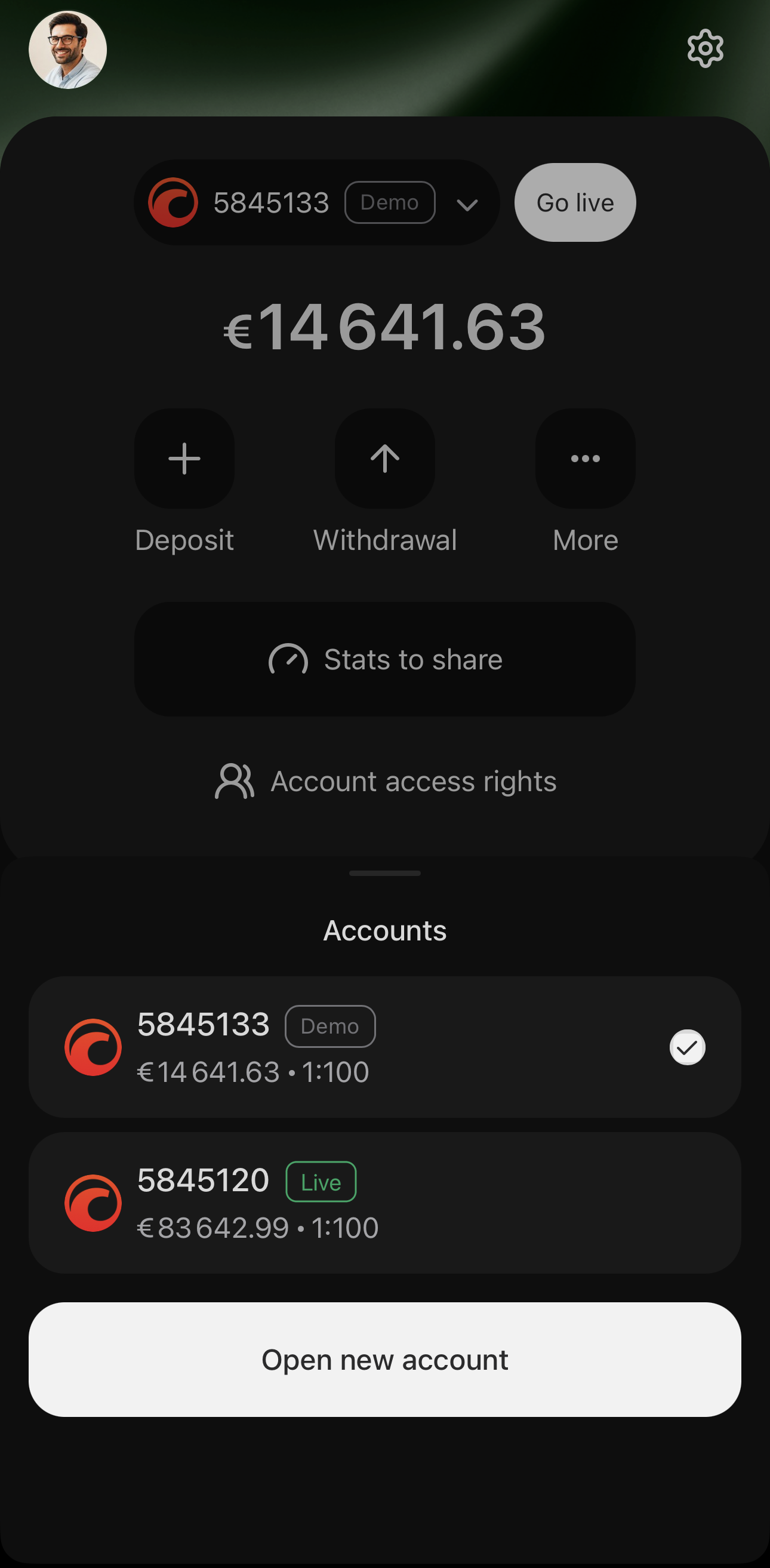
Tap Open new account at the foot of the account selector, or Go live in My cTrader if you have a demo account.
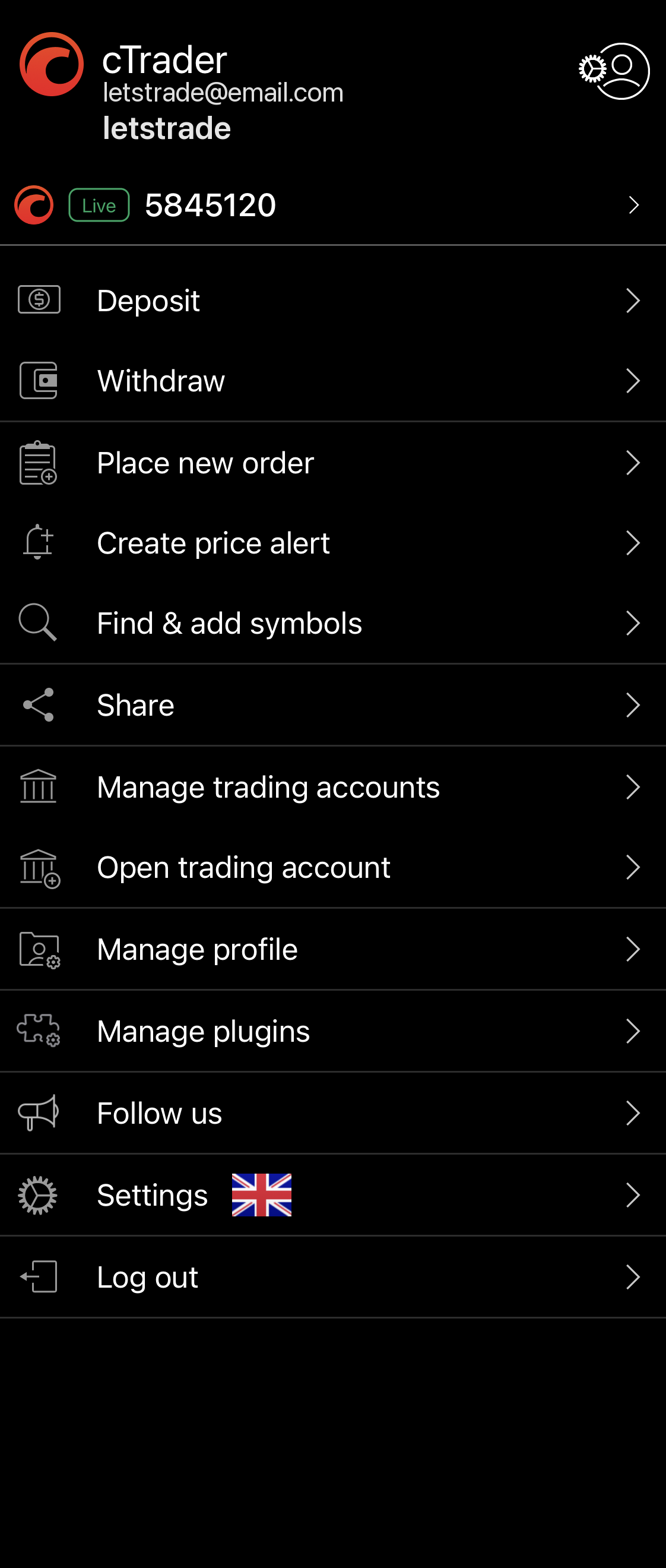
Tap Open trading account in the main menu.
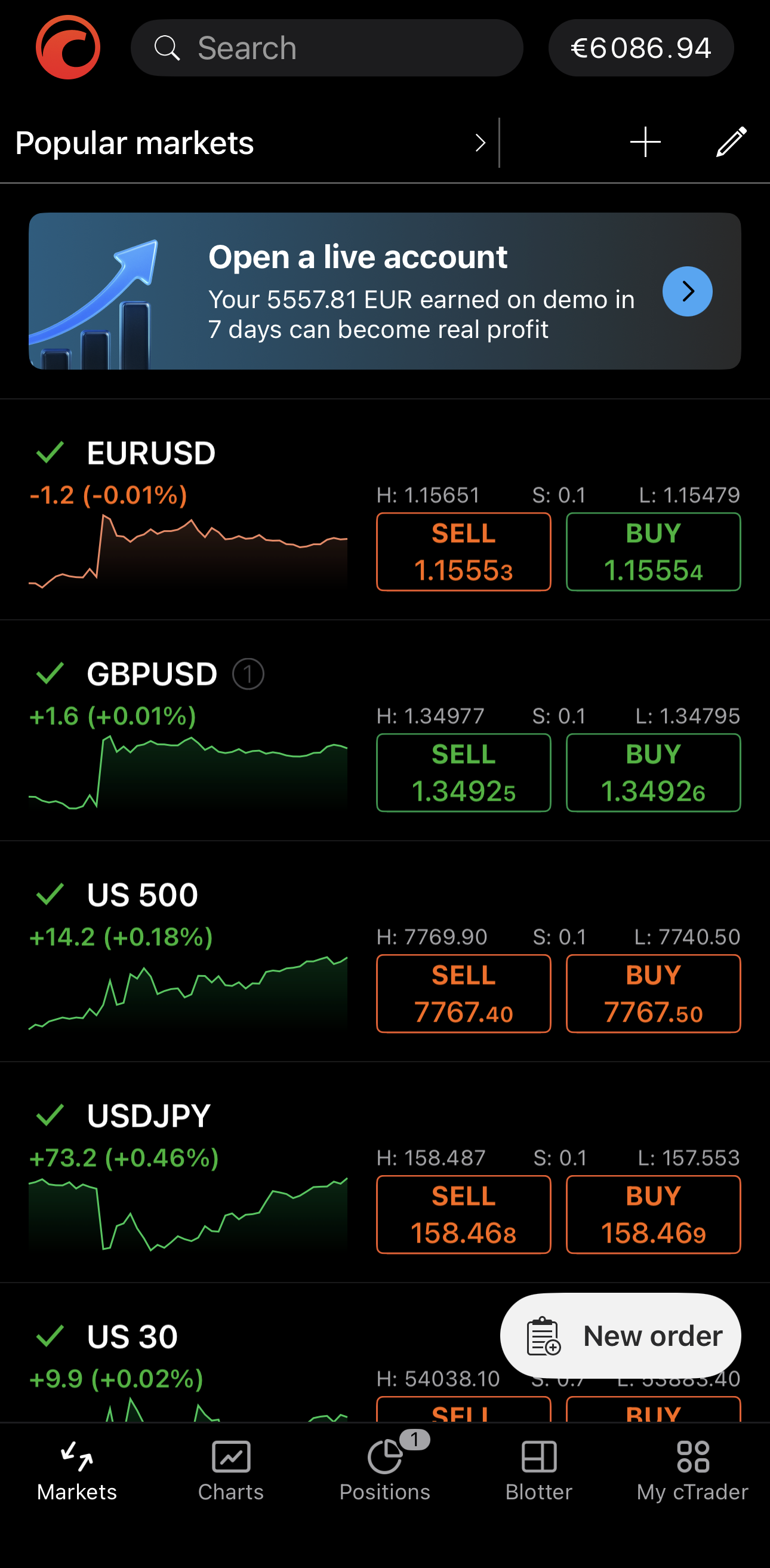
Tap the ribbon above your watchlist if you have a demo account.
Whichever route you take, you will be redirected to the broker's website for opening an account. When it is ready, the account attaches to the cTrader ID you signed up with and appears in the account selector next time you open the app.
Note
If an account you hold does not appear, contact your broker.