Plugin bar
Plugins are custom trading tools you add to cTrader, such as a sentiment gauge, a market scanner or a news feed. The plugin bar shows the plugins you have installed, so you can use one without leaving the screen you are trading on.
Open the plugin bar
Scroll to the top, then pull down in Markets, Positions or the symbol overview, and the plugin bar drops in below the top bar, showing every plugin you have installed and enabled as a row of icons.
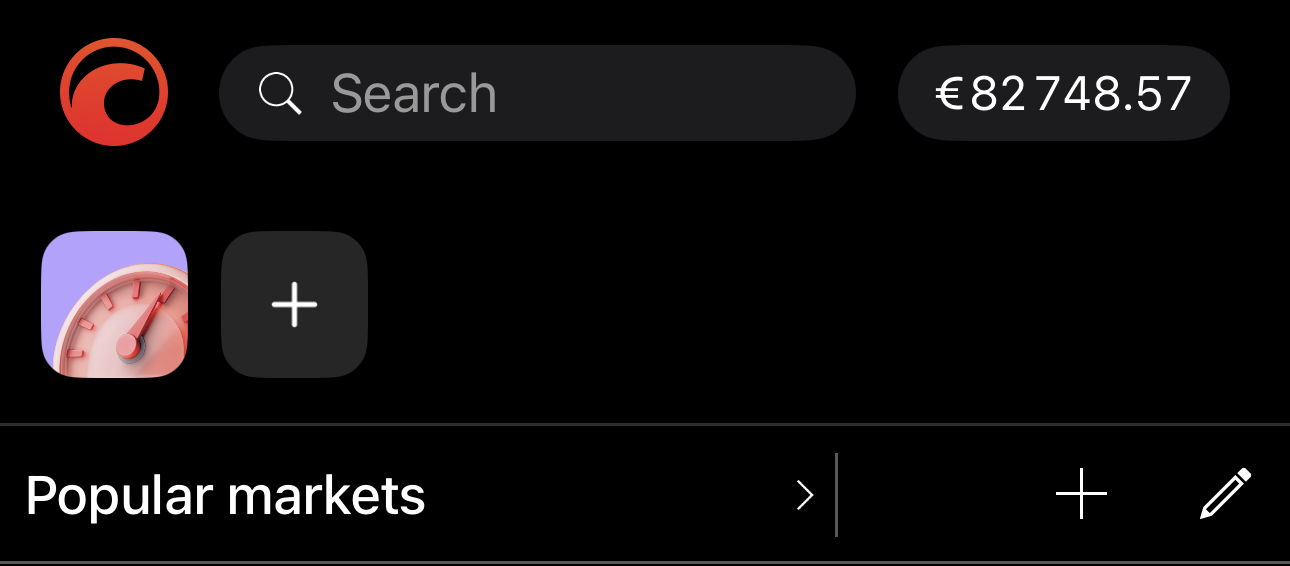
Tap a plugin to open it in a bottom sheet, then drag the sheet up to expand it to full screen. Tap at the end of the row to open the Multi-platform plugins catalogue and add a plugin. Until you install your first plugin, is the only button in the bar.
Plugins in My cTrader and Manage plugins in the main menu reach the plugins you have installed, with Add plugin at the foot for the catalogue.
Working with plugins
Plugins behave the same on every platform, so their procedures live in the Plugins section, each with a Mobile tab:
-
Browse the catalogue and install the tools you need.
-
Open your plugins from the plugin bar or the Overview tab.
-
Choose the screens each plugin appears on.
-
Hide a plugin without uninstalling it.
-
Set the order your plugins appear in.
-
Keep the plugin bar clear of tools you no longer need.
-
Send feedback on a plugin to its creator.
See cTrader Store for what individual plugins do.