Profile menu
Tap your profile picture in the top bar of My cTrader to open the profile menu.
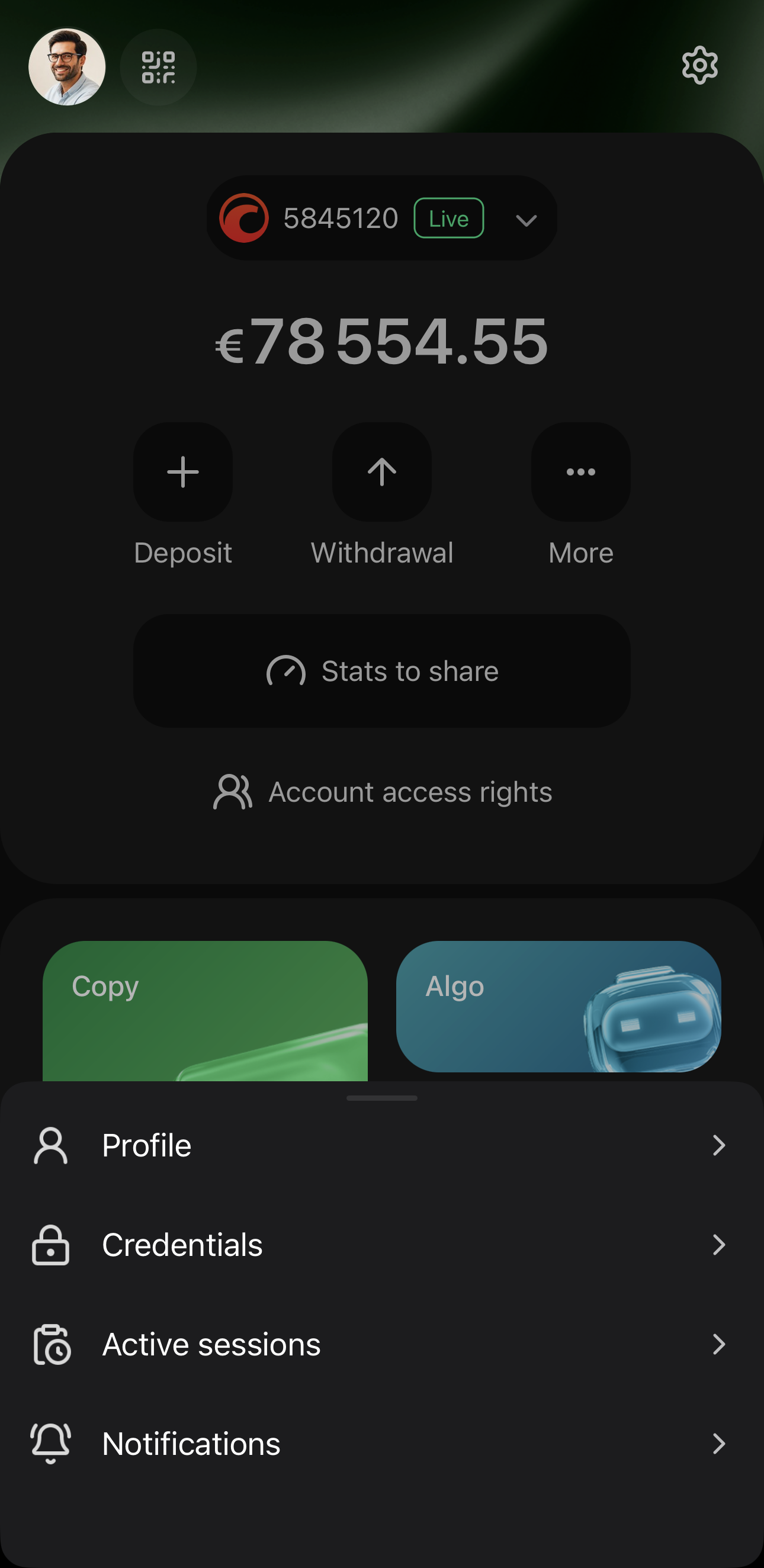
It holds the details of your cTrader ID:
- Profile – fill in your profile page with a picture, contact details, a short bio and the products you choose to show.
- Credentials – change your username, email or password. A new password signs out every session and restarts the app.
- Active sessions – review the devices your cTrader ID is signed in on and sign out of any session.
- Notifications – choose the emails and push notifications your cTrader ID sends you. The Alerts tab in Settings sets the alerts for one trading account.
Note
Other traders reach your profile page through its public link, the Partner tab of cTrader Invite and your author page in cTrader Algo and cTrader Store.
Note
You can take the same actions on the cTID website, where you log in with the same credentials.
Manage profile in the main menu opens the same four entries described above, and adds a fifth, Delete account.
Warning
Delete cTrader ID account in Credentials deletes your cTrader ID. Delete account in Manage profile closes one trading account.