Other products
Share a copy strategy with other traders by sending them a link to its page. Your own cBots can be shared too, with the traders you have invited through cTrader Invite. Both are among the products in My cTrader.
Benefits for partners
- Share any strategy, your own or one from your favourites, in a few taps.
- Send a prospective investor straight to the strategy page, ready to invest in.
- Give your invited traders access to your own cBots, ready to run in the cloud.
Share a strategy
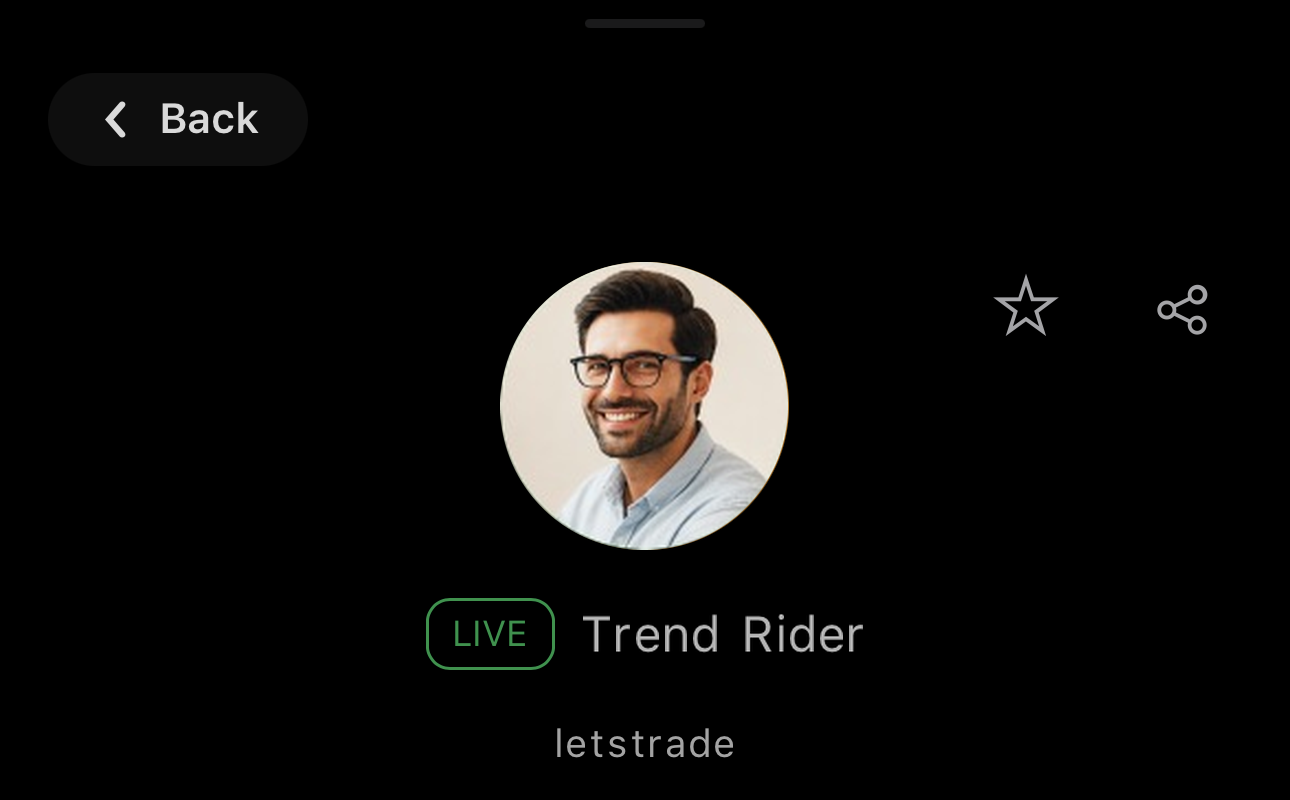
A strategy is a provider's live trading, offered for copying to other traders in cTrader Copy.
To share a strategy:
- Open Copy from My cTrader.
- Select a strategy under Strategies or Favourites.
- Tap in the upper-right corner.
- Choose a channel and contact in the sharing sheet or copy the link.
The recipient lands on the strategy page in cTrader Copy.
Note
You cannot share a strategy from Copying.
Share a cBot
Note
You can share only your own cBots. Sharing relies on cTrader Invite, which is available only in broker-branded apps. A cBot bought in cTrader Store is a protected copy bound to your cTrader ID and cannot be shared.
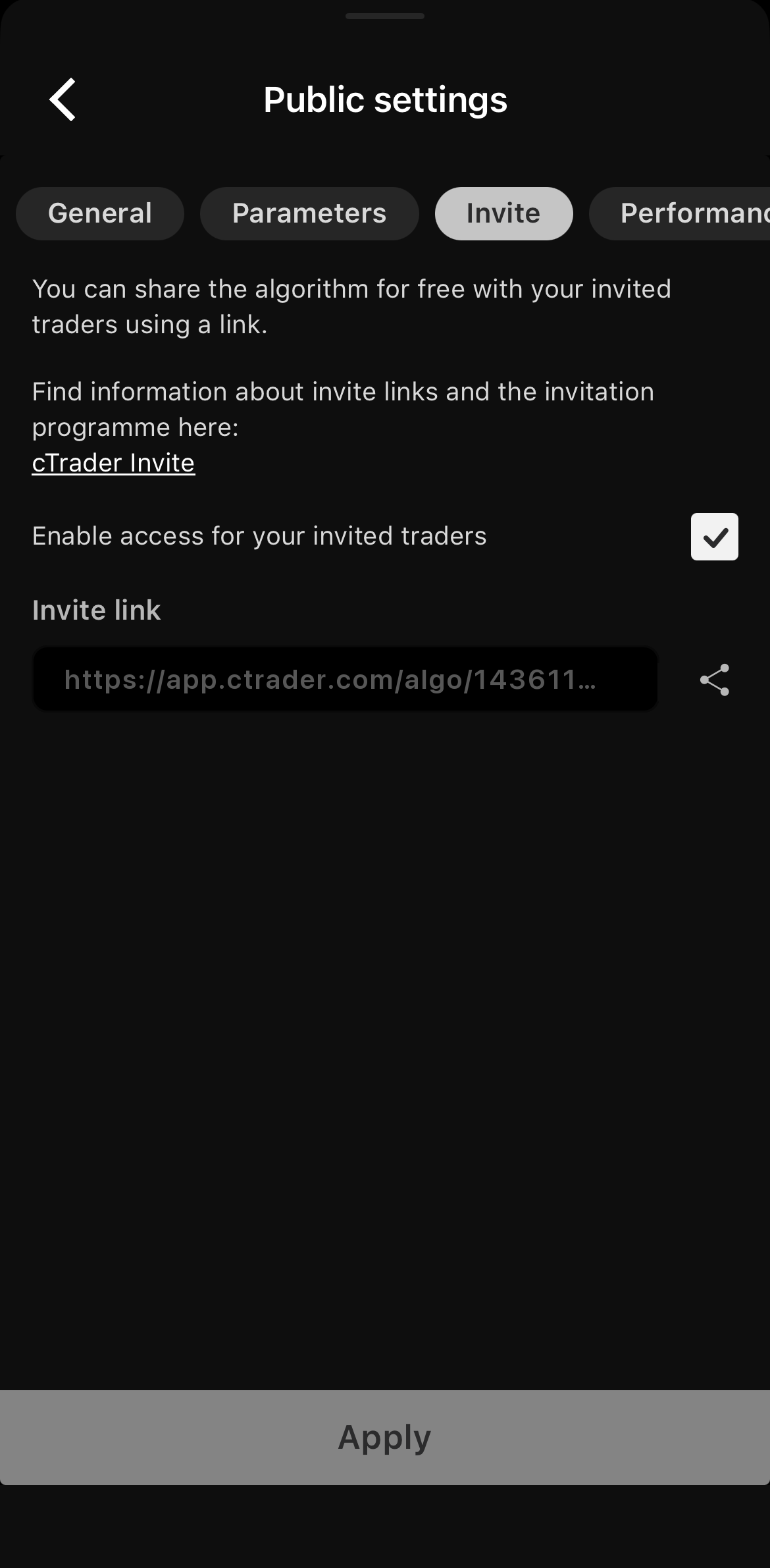
To share a cBot:
- Open Algo from My cTrader.
- Tap the cBot you would like to share.
- Tap in the lower-right corner, then Public settings.
- Select the Invite tab, tick Enable access for your invited traders and tap Apply.
- Tap beside the Invite link.
- Choose a channel and contact in the sharing sheet or copy the link.
Traders who follow the link become your invited traders and can run the cBot in the cloud.
Share your profile page
Your profile page carries your contact details and the products you choose to publish, your own and the ones you mark as favourites, on one public address: https://ctrader.com/u/{username}/, where {username} is your cTrader username. The page belongs to your cTrader ID, not to a trading account.
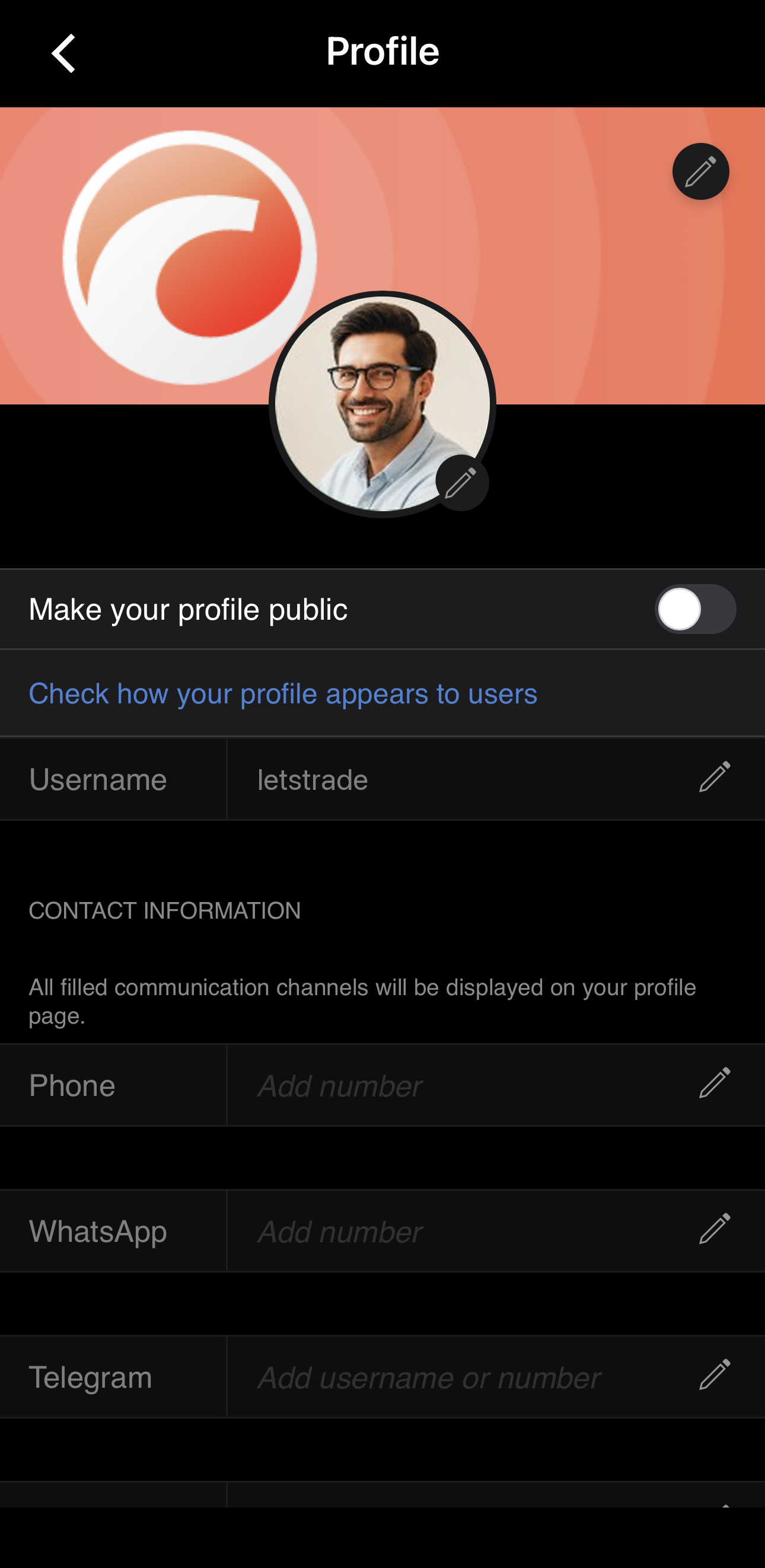
To share your profile page:
- Open Profile from the profile menu.
- Turn on Make your profile public and tap Accept on the disclaimer.
- Send the link, with your username in place of
{username}, through any messenger or social network.
Tap Check how your profile appears to users to open the page as a visitor sees it. Edit its contents, including the order of your products under Product order settings, in Profile or on the cTID website.
In a broker-branded app with cTrader Invite, your invited traders see the same page as the Partner tab.