Introduction
cTrader Store is a secure and dynamic marketplace that connects buyers and sellers of trading products.
cTrader Store in one minute!
- Any user with a cTrader ID can enter cTrader Store and obtain both free and paid trading products with a 14-day money-back period.
- Store buyers can instantly start cBots in the cloud and install multi-platform plugins, all without leaving their mobile device.
- Store sellers can upload their products directly from the cloud or as files, making it quick to publish them.
- By reaching millions of cTrader users worldwide, sellers gain rich monetisation opportunities in Store without marketing effort.
- cTrader Store is a secure, scam-free marketplace designed to safeguard both buyers and sellers.
Product types
cTrader Store offers a variety of trading products:
cBots – trading robots that can automate any trading strategy, placing orders on your behalf.
Indicators – tools for technical analysis that identify patterns on charts and assist with trading decisions.
Multi-platform plugins - WebView plugins that run in any cTrader app and support trading.
Desktop plugins – add-ons that extend the interface of cTrader Windos and Mac with helpful tools and features.
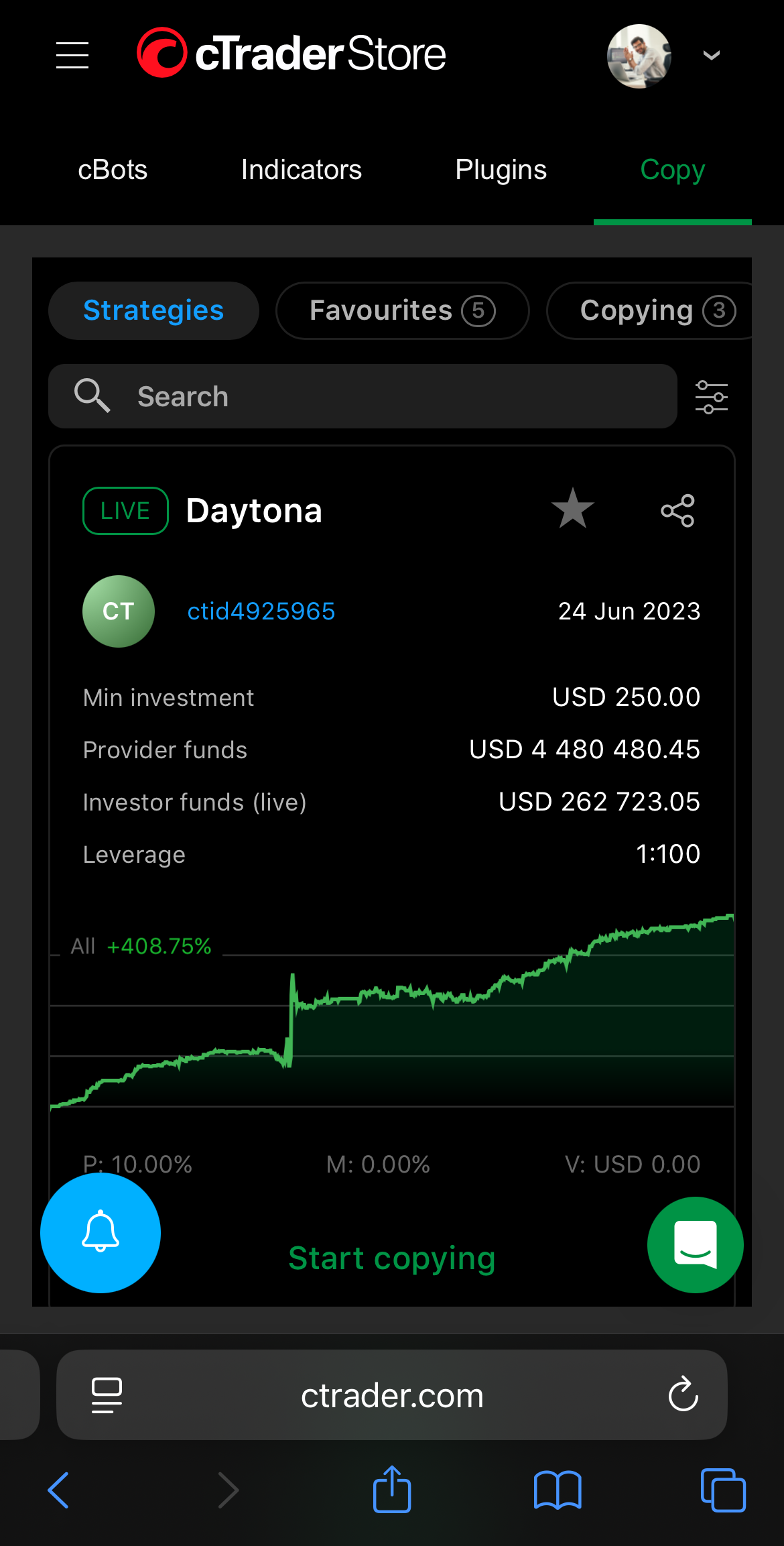
Copy - cross-broker strategies from experienced providers with transparent performance stats.
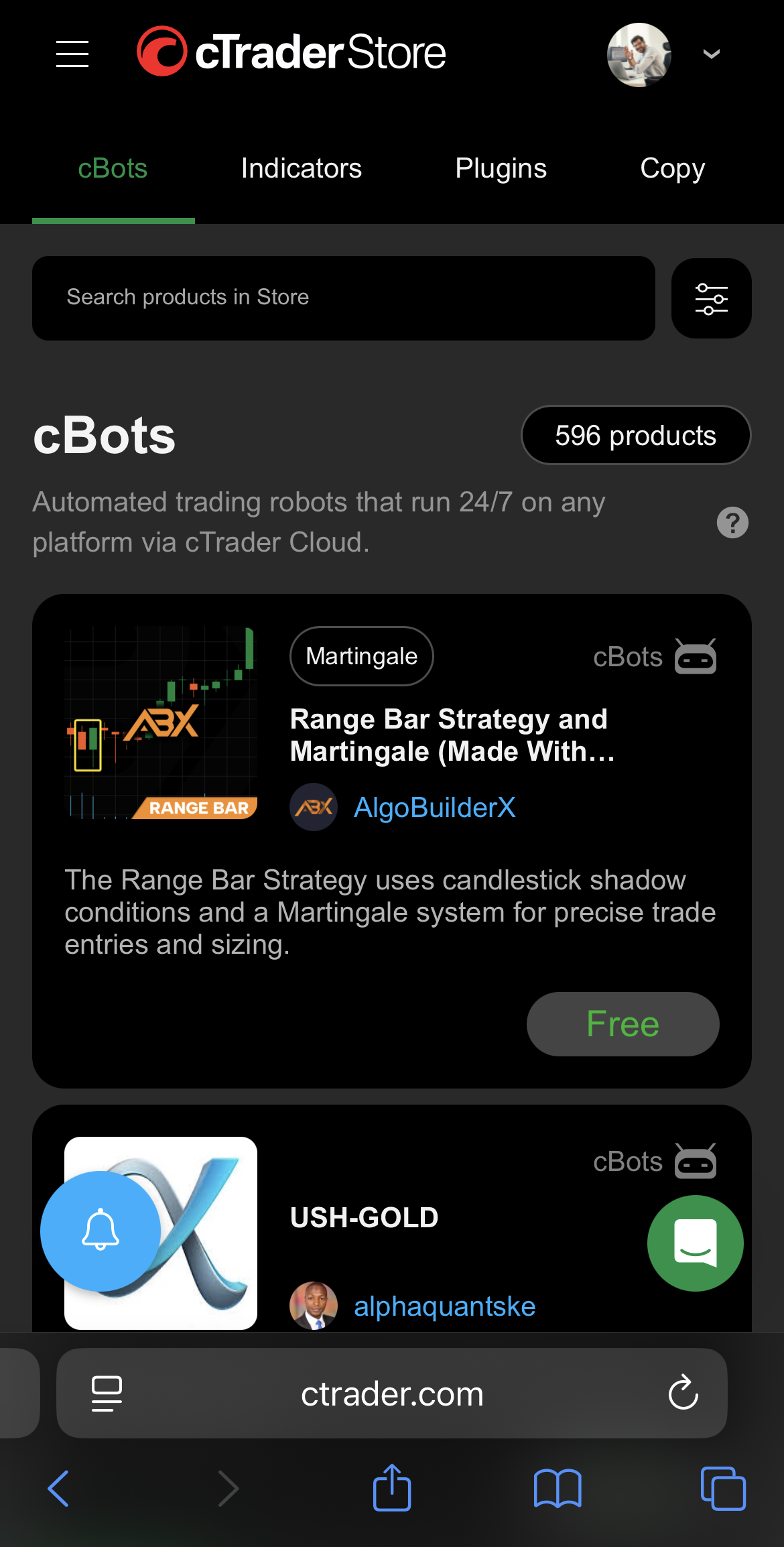
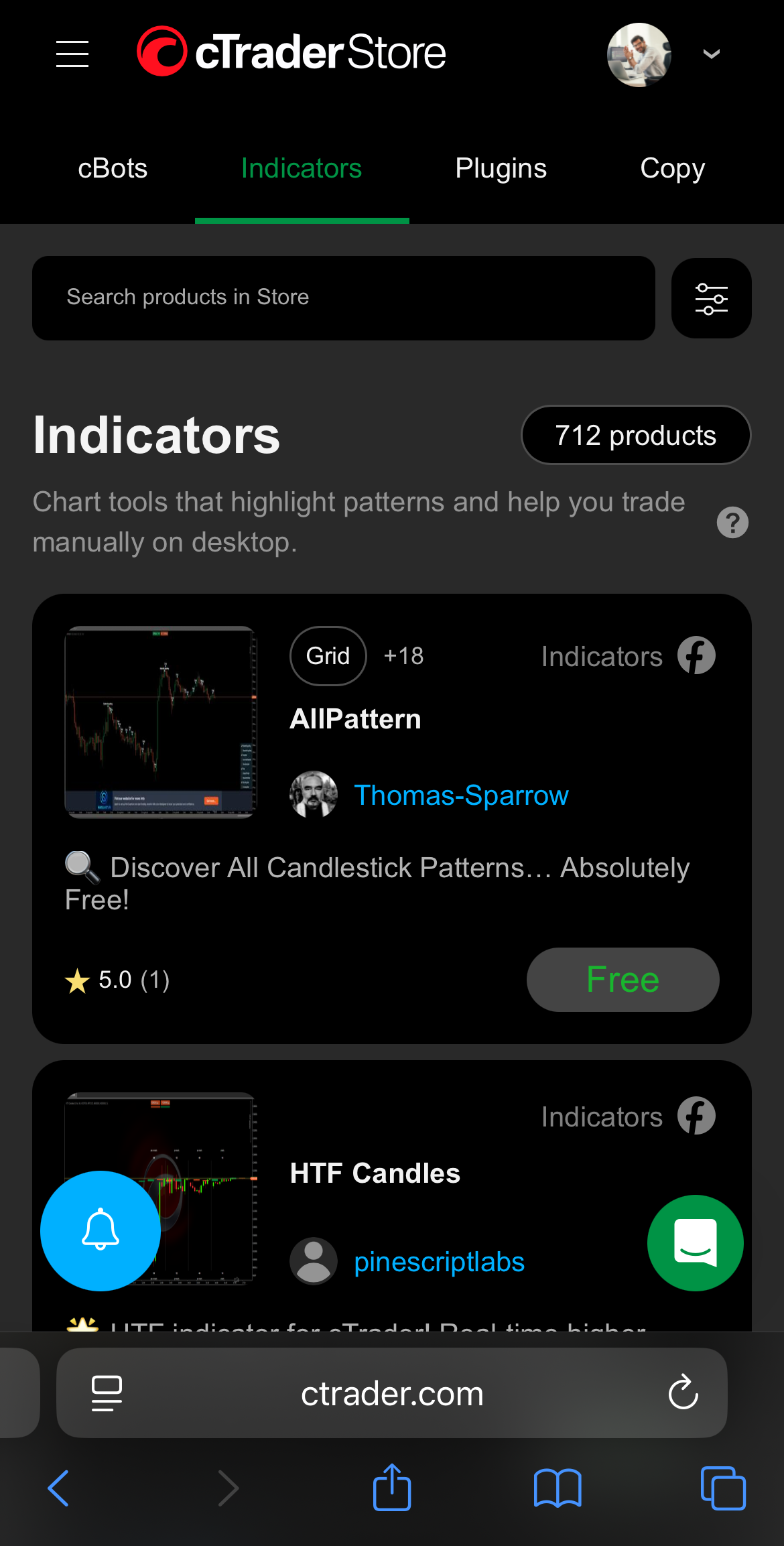
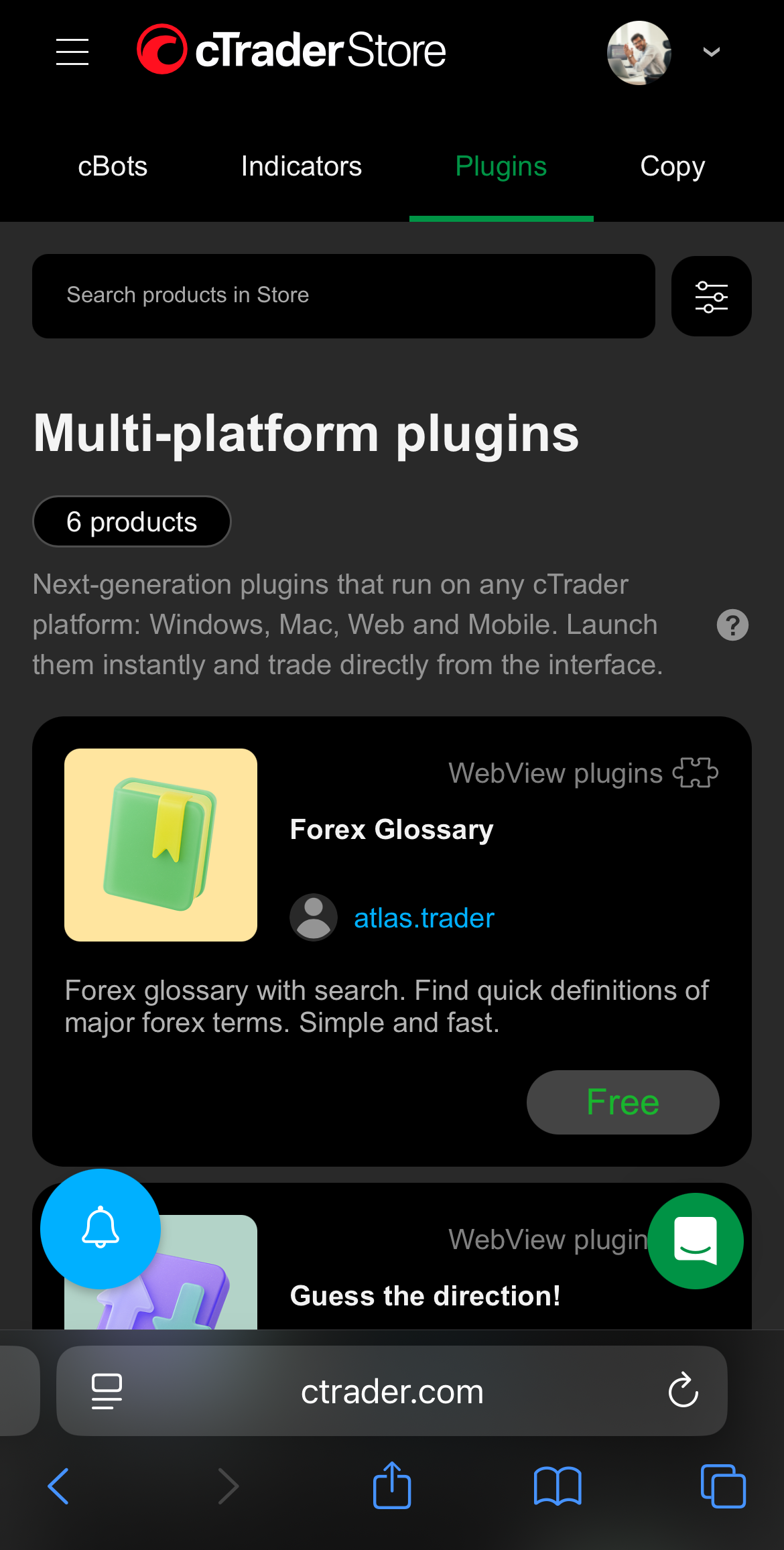
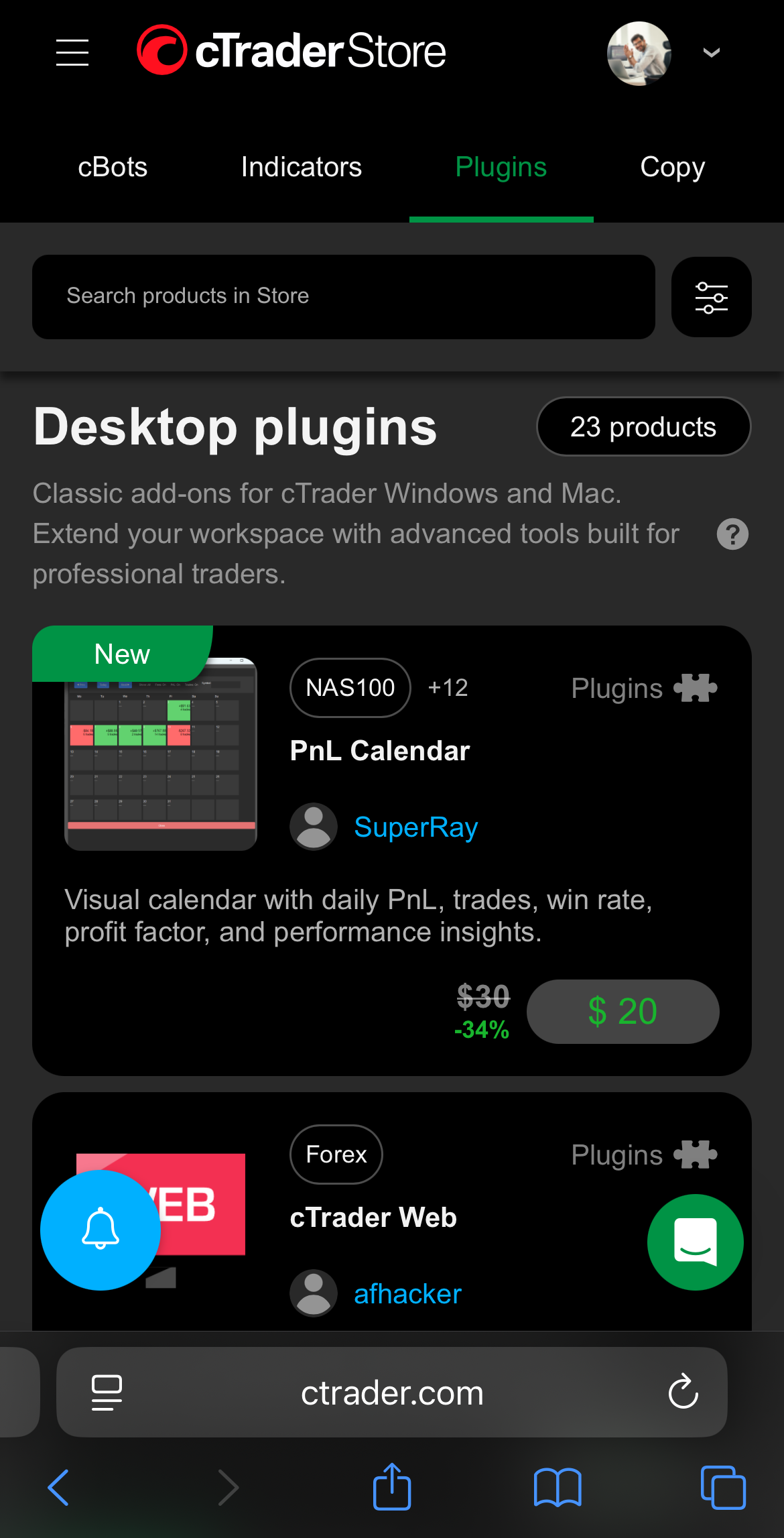
You can access and manage cBots, indicators, multi-platform plugins and desktop plugins from any cTrader app with cloud synchronisation.
You can run cBots in the cloud 24/7 and use multi-platform plugins in any cTrader app. Desktop apps support local execution of cBots, indicators and plugins.
| Product | cTrader Windows | cTrader Mac | cTrader Web | cTrader Mobile |
|---|---|---|---|---|
| cBot | Manage and run (in the cloud and locally) | Manage and run (in the cloud and locally) | Manage and run (in the cloud) | Manage and run (in the cloud) |
| Indicator | Manage and run | Manage and run | Manage | Manage |
| Multi-platform plugin | Manage and run | Manage and run | Manage and run | Manage and run |
| Desktop plugin | Manage and run | Manage and run | Manage | Manage |
| Copy | Manage and invest | Manage and invest | Manage and invest | Manage and invest |
Note
All cTrader apps include built-in indicators, but custom indicators from Store can only be installed on desktop apps.
Some indicators, plugins and multi-platform plugins may include trading capabilities.
Learn how to use products from Store in cTrader.
Free vs paid products
cTrader Store offers both free and paid products, giving you flexibility based on your experience level, trading goals and budget.
Free products are a great starting point for algo trading.
- Ideal for beginners exploring strategies or trying out the interface
- Good for learning, testing and using on demo accounts
- No credit card required – start using products instantly
Paid products are designed for result-oriented live trading.
- Built for professional and performance-focused traders
- Offer advanced features and strategies for live trading
- Backed by a money-back period
Note
Some paid products include free trials, providing a limited version of the full algorithm for you to try out.
cTrader Store offers a 14-day money-back period for paid products with technical issues.
Product performance
cBot sellers in cTrader Store can attach backtesting results to showcase the performance of their products.
Warning
Past successful performance does not guarantee future results; all trading products are used at your own risk.