Chartshot
Chartshot is a quick and easy way to save and share snapshots of your charts in just a couple of clicks.
To make a Chartshot, click the Chartshot button from the Instruments toolbar. Alternatively, right-click the chart and select Chartshot from the drop-down.
By default, each Chartshot is uploaded to the Spotware website (requires you to allow pop-ups in your browser). From here, you can share it on social media with one click.
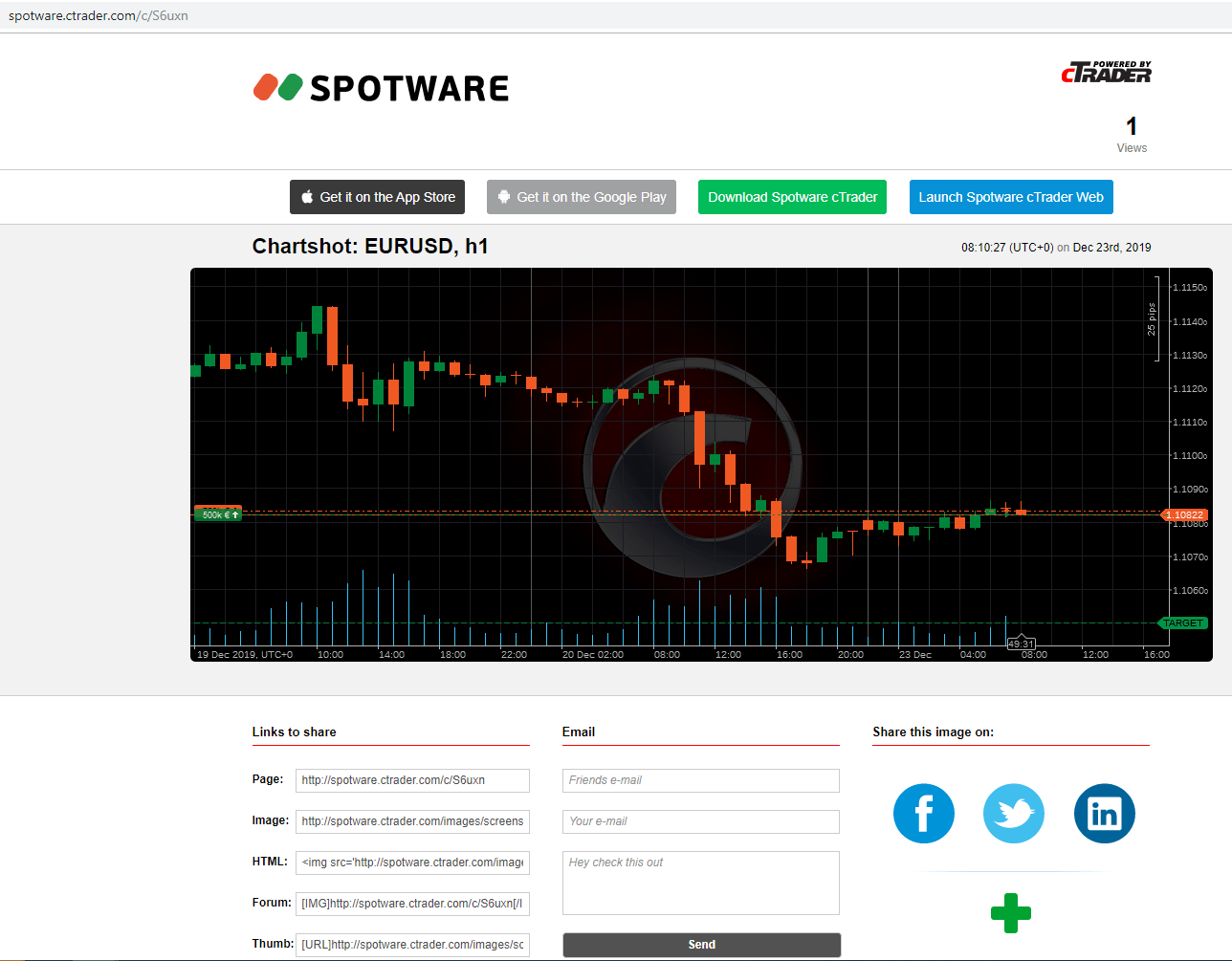
Resize charts to take Chartshots in different sizes. Chartshots also work with detached charts.
Go to Settings > General to configure the Chartshot saving location.