Plugins
Plugins add new trading tools to cTrader and let you customise the user interface. Web-based plugins run in every cTrader app, while native plugins run only in cTrader Windows and Mac.
Popular plugins
- AI-powered assistant
- Trade and risk calculator
- Pattern recognition trainer
- Market news panel
- Technical analysis widget
- Embedded financial resource
- Custom analytic dashboard
- Forex cross-rate tool
Where plugins appear
Each plugin type is available in these cTrader apps:
| Plugins | cTrader Mobile | cTrader Web | cTrader Windows | cTrader Mac |
|---|---|---|---|---|
| Web-based | ✅ | ✅ | ✅ | ✅ |
| Native | ✅ | ✅ |
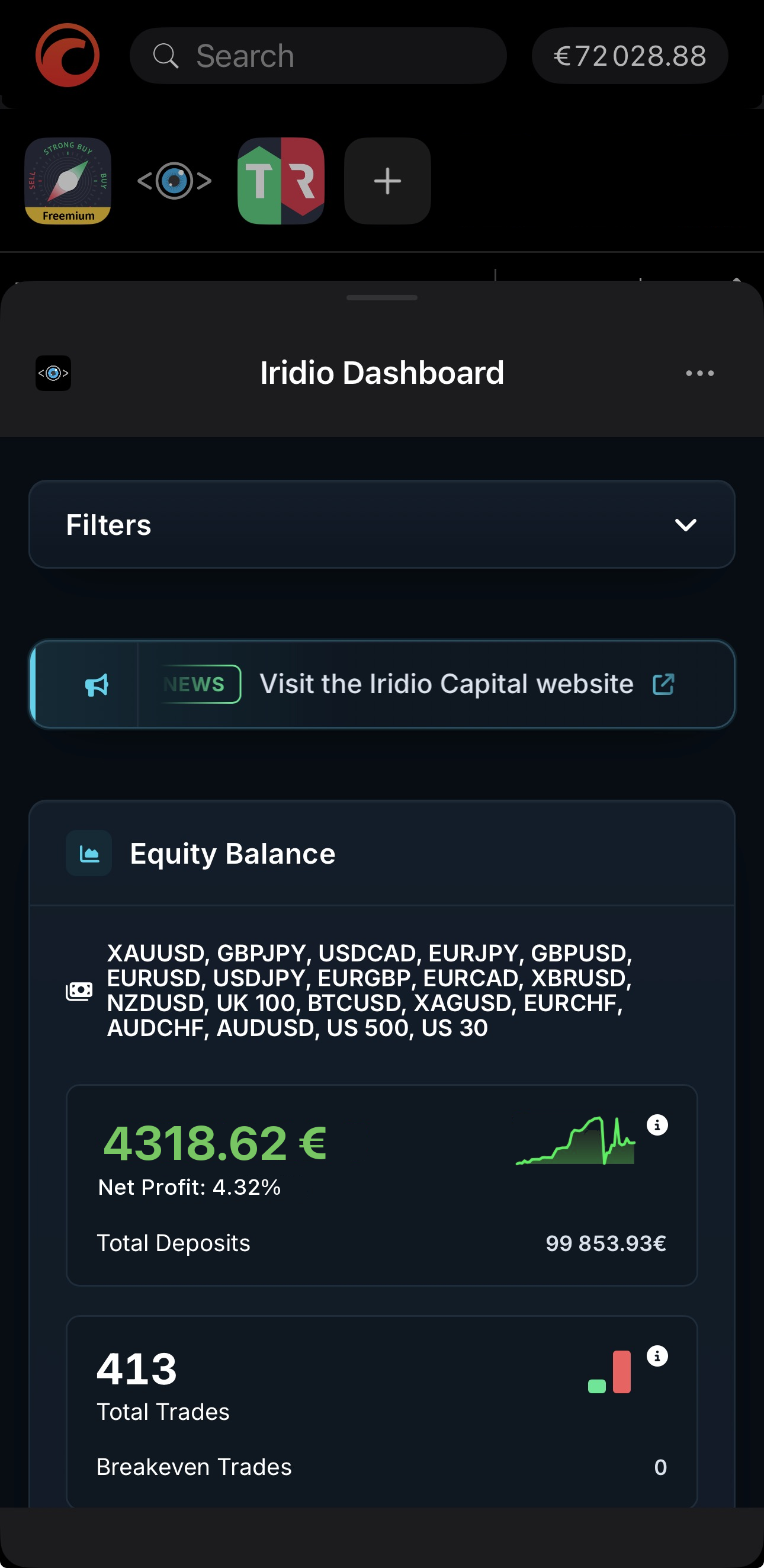
Depending on its design, a plugin may appear in the following UI areas:
- Collapsible plugin bar in the Trade app
- Bottom sheet revealed by tapping the plugin in the plugin bar
- Overview tab of any symbol
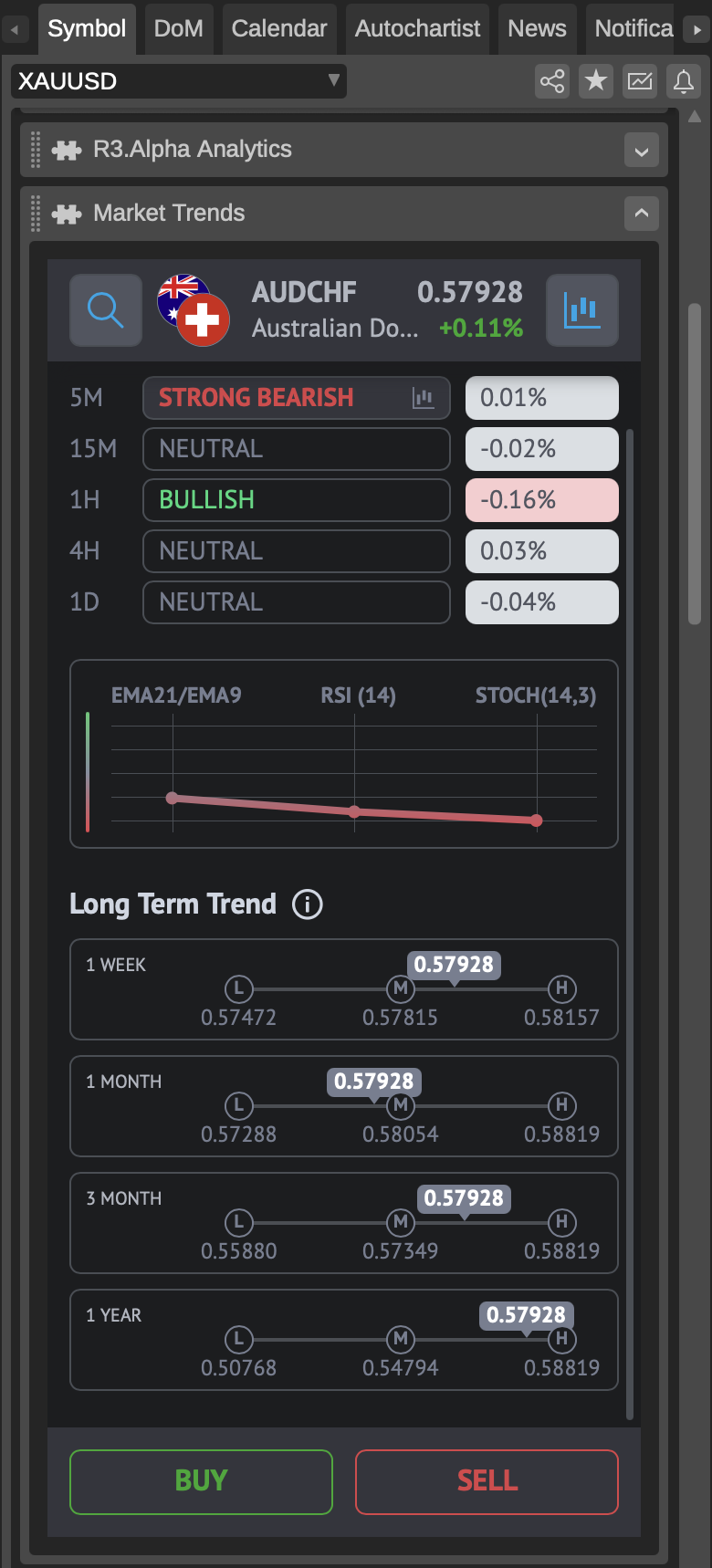
Depending on its design, a plugin may appear in the following UI areas:
- Active Symbol Panel (ASP)
- Trade Watch (TW)
- New separate, resizable window
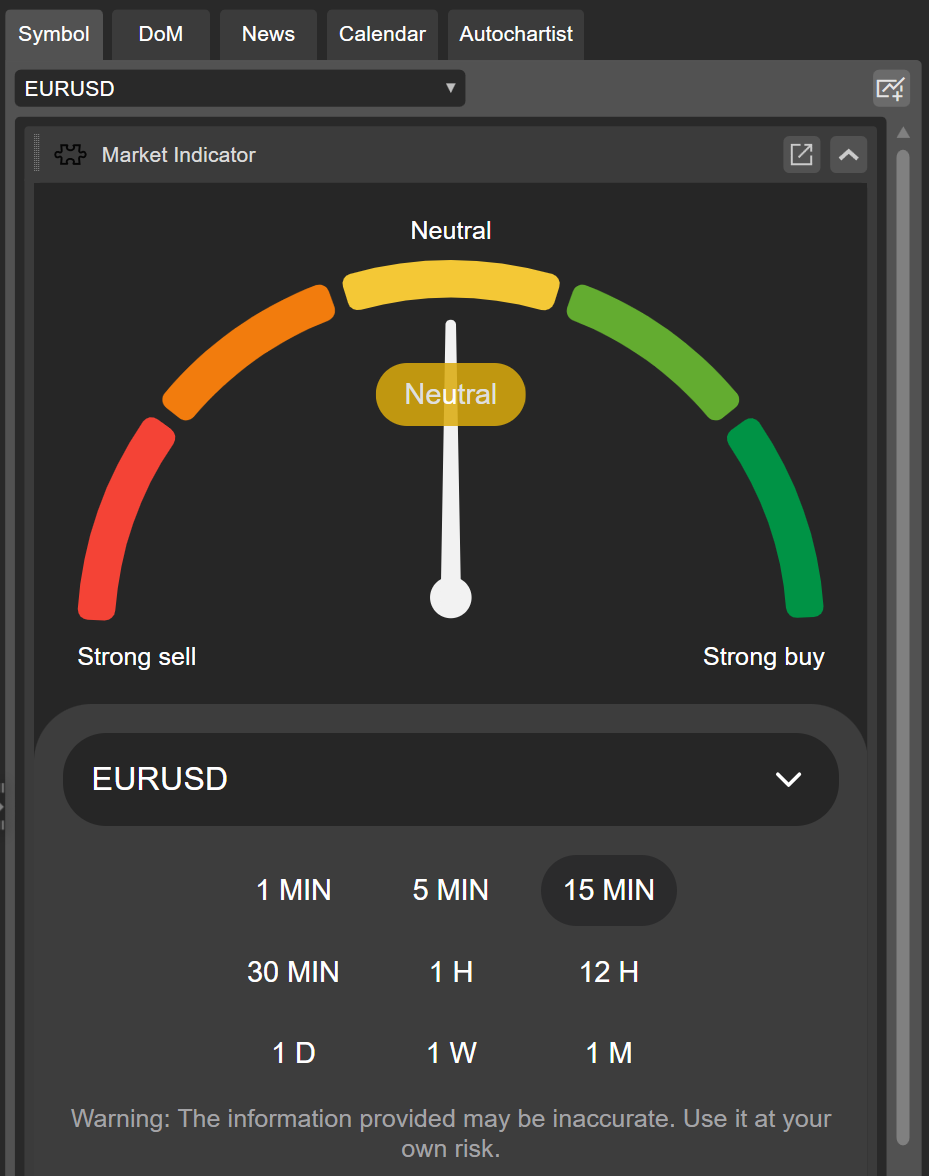
Depending on its design, a plugin may appear in the following UI areas:
- Active Symbol Panel (ASP)
- Trade Watch (TW)
- Custom chart frame
- New separate, resizable window
- New main menu section
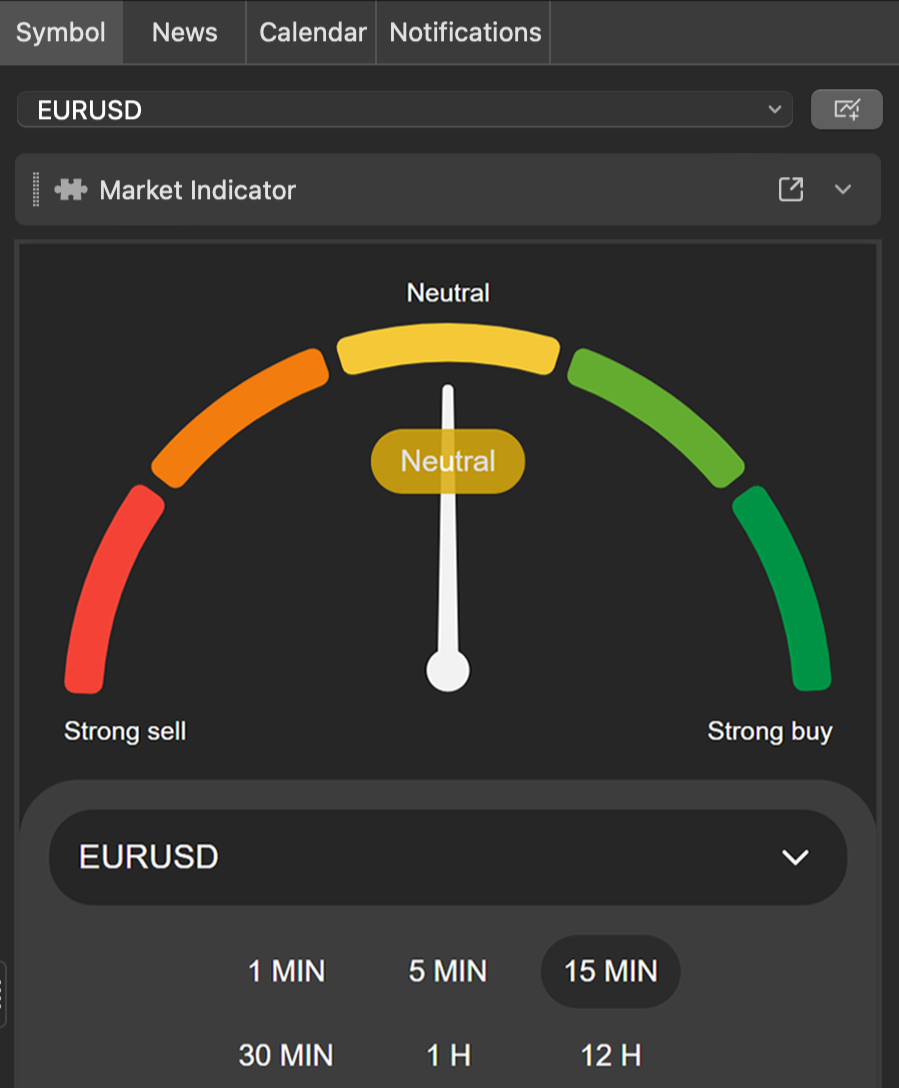
Depending on its design, a plugin may appear in the following UI areas:
- Active Symbol Panel (ASP)
- Trade Watch (TW)
- Custom chart frame
- New separate, resizable window
- New main menu section
After adding a plugin to your cTID, it becomes automatically available in all supported cTrader apps. Plugins are managed per application, while deleting a plugin removes it from all apps.
-
Add, access and manage plugins in your cTrader apps.
-
Create web-based or native plugins and publish them in cTrader Store.