Access a plugin in cTrader
Once you add a plugin, you can use it right away.
Note
If a plugin does not appear in a supported UI area, make sure that the plugin is enabled and check its placement settings.
Mobile UI
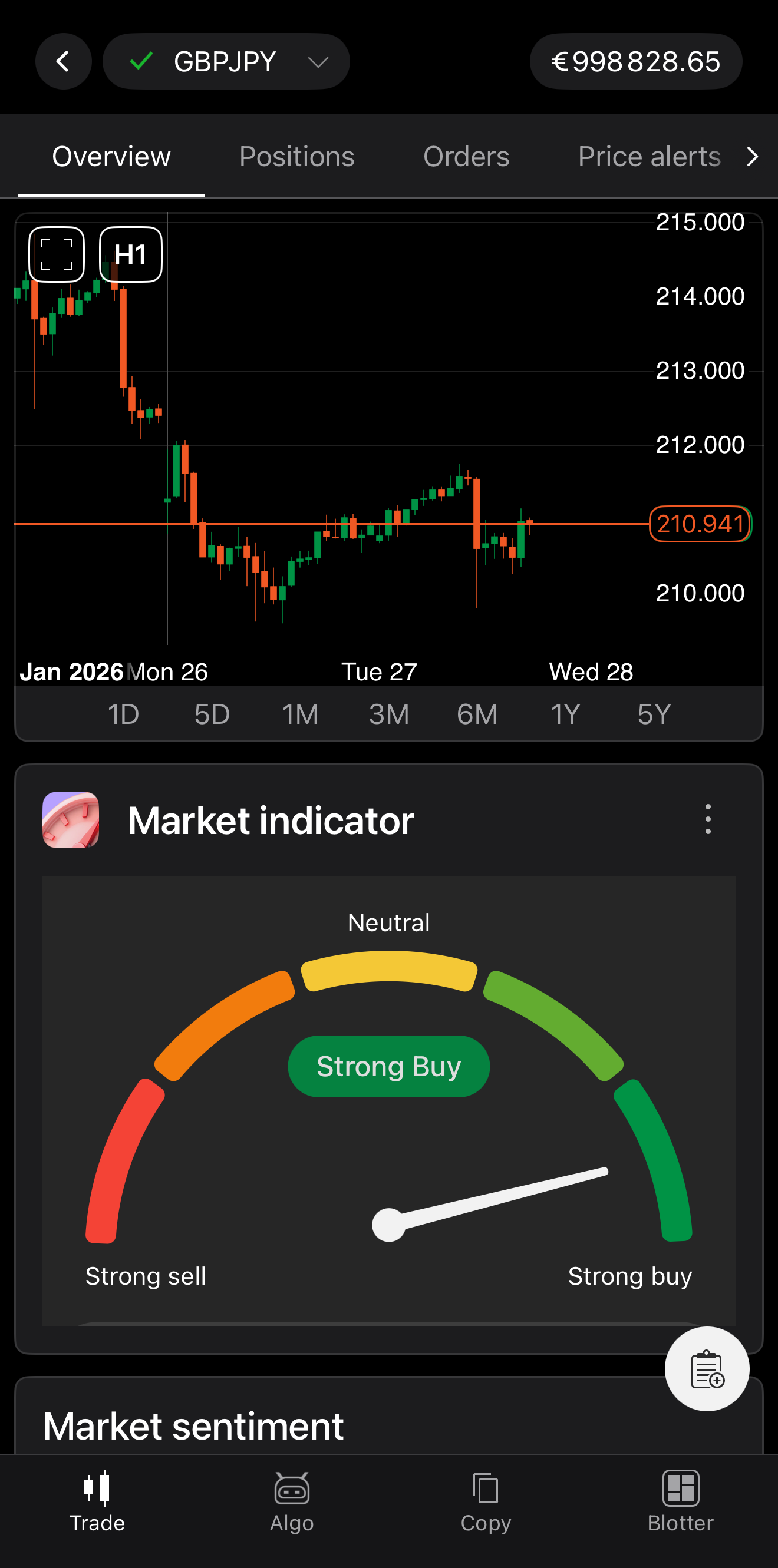
In cTrader Mobile, supported plugins can be accessed from the plugin bar and the Overview tab.
Anywhere in the Trade app, pull down to open the plugin bar, and view your installed and enabled plugins.
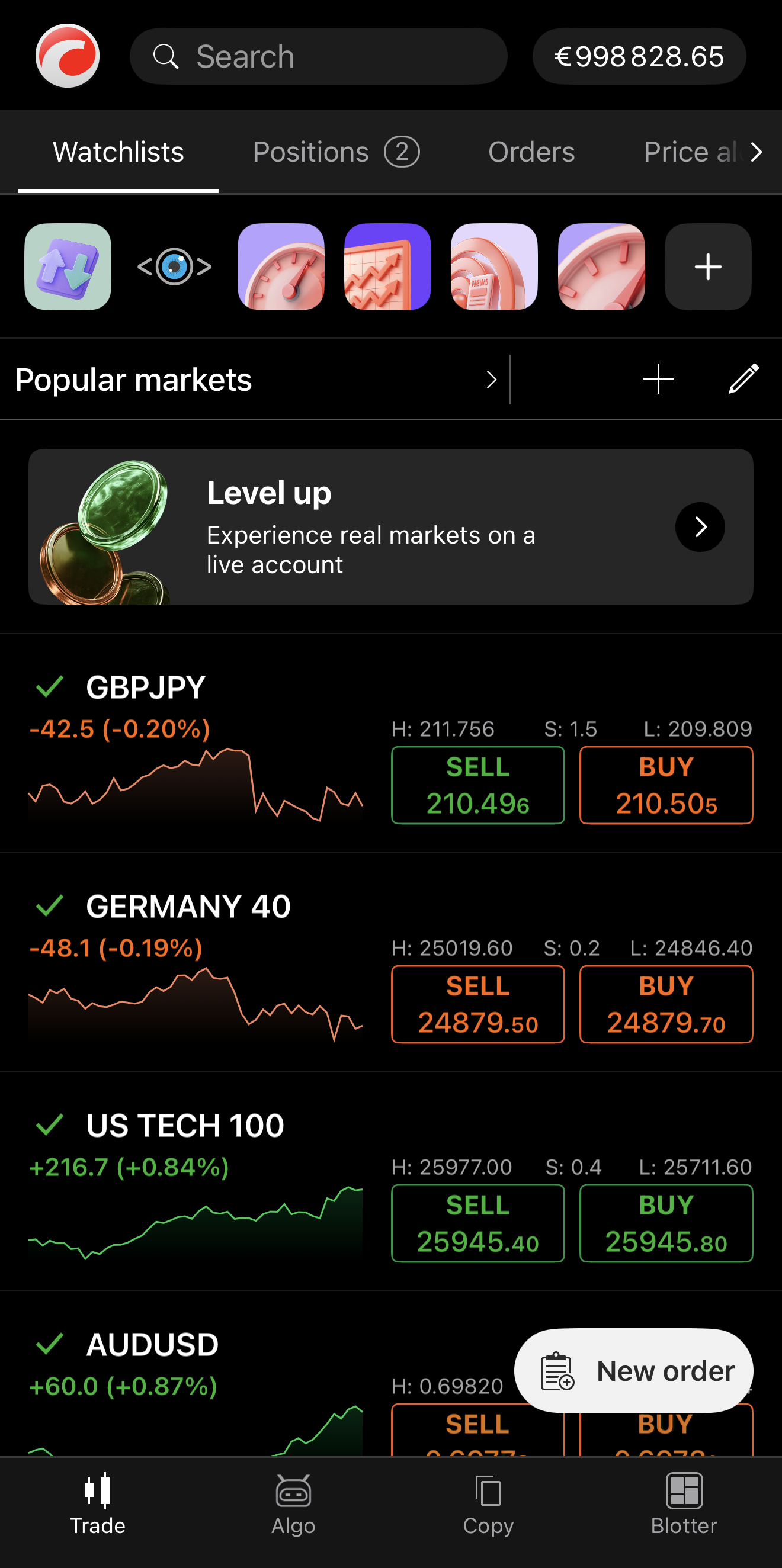
Tap a plugin in the bar to open its bottom sheet and access its content.
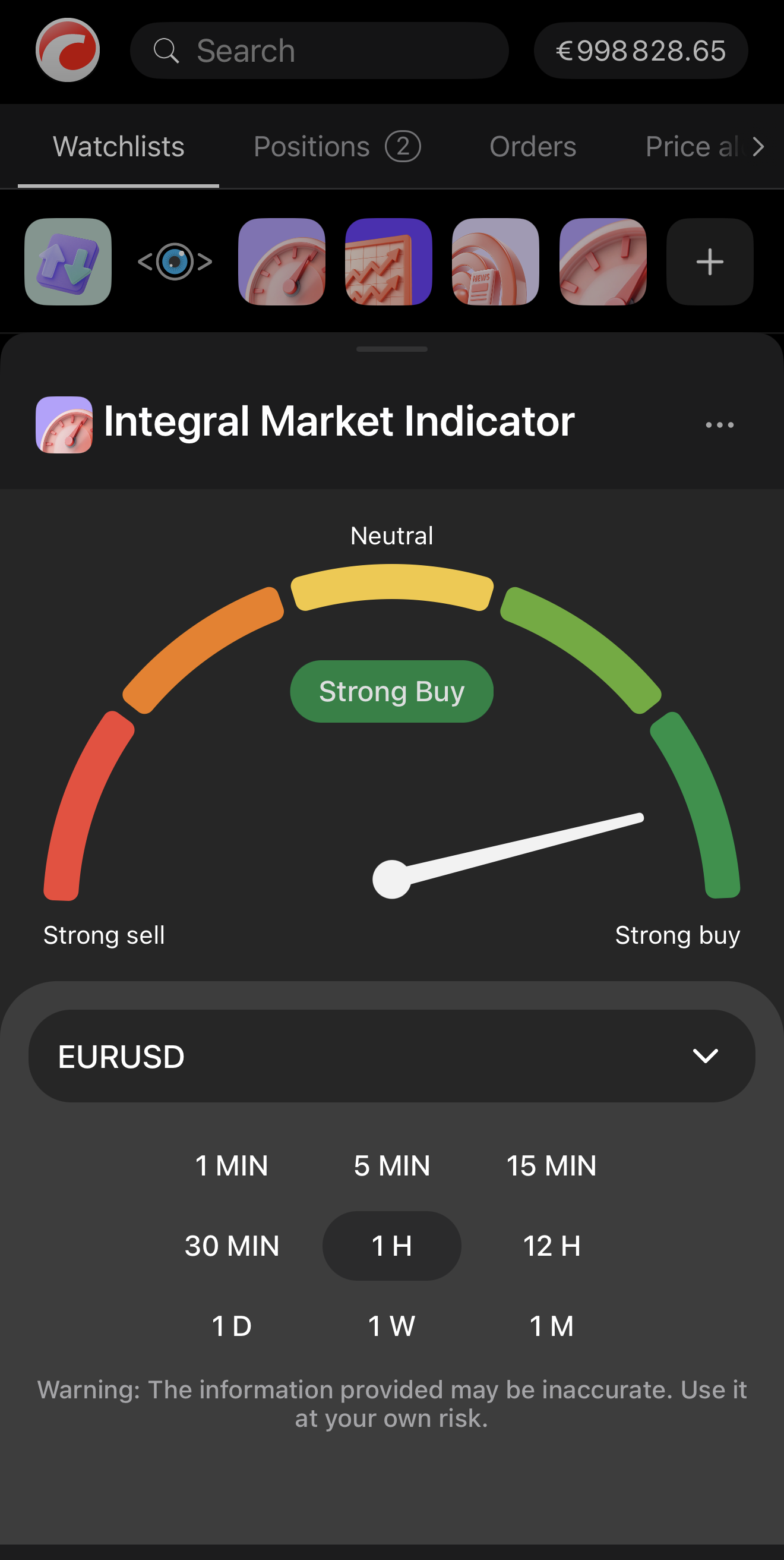
To close the plugin bottom sheet, tap outside it or pull down.
In the Overview tab of any symbol, scrolling down reveals an expanded view of each plugin.
Desktop UI
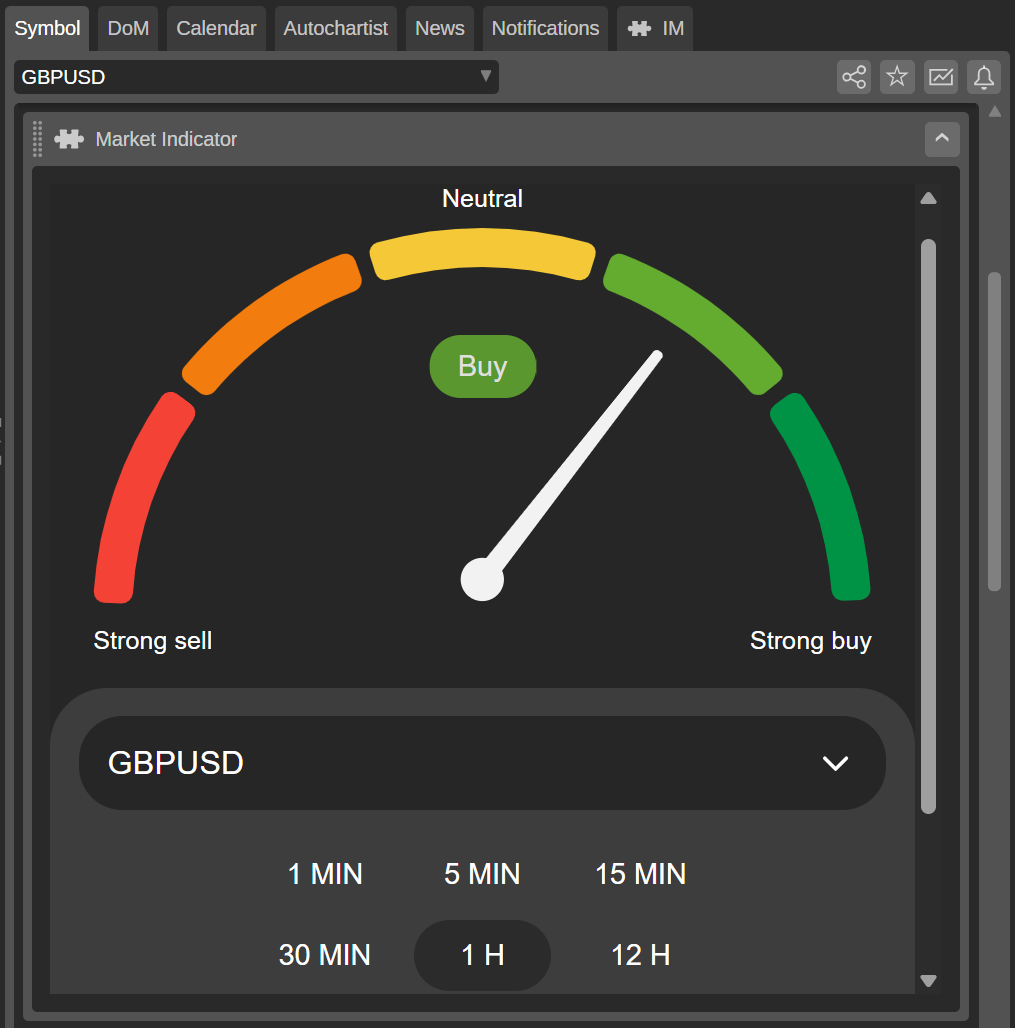
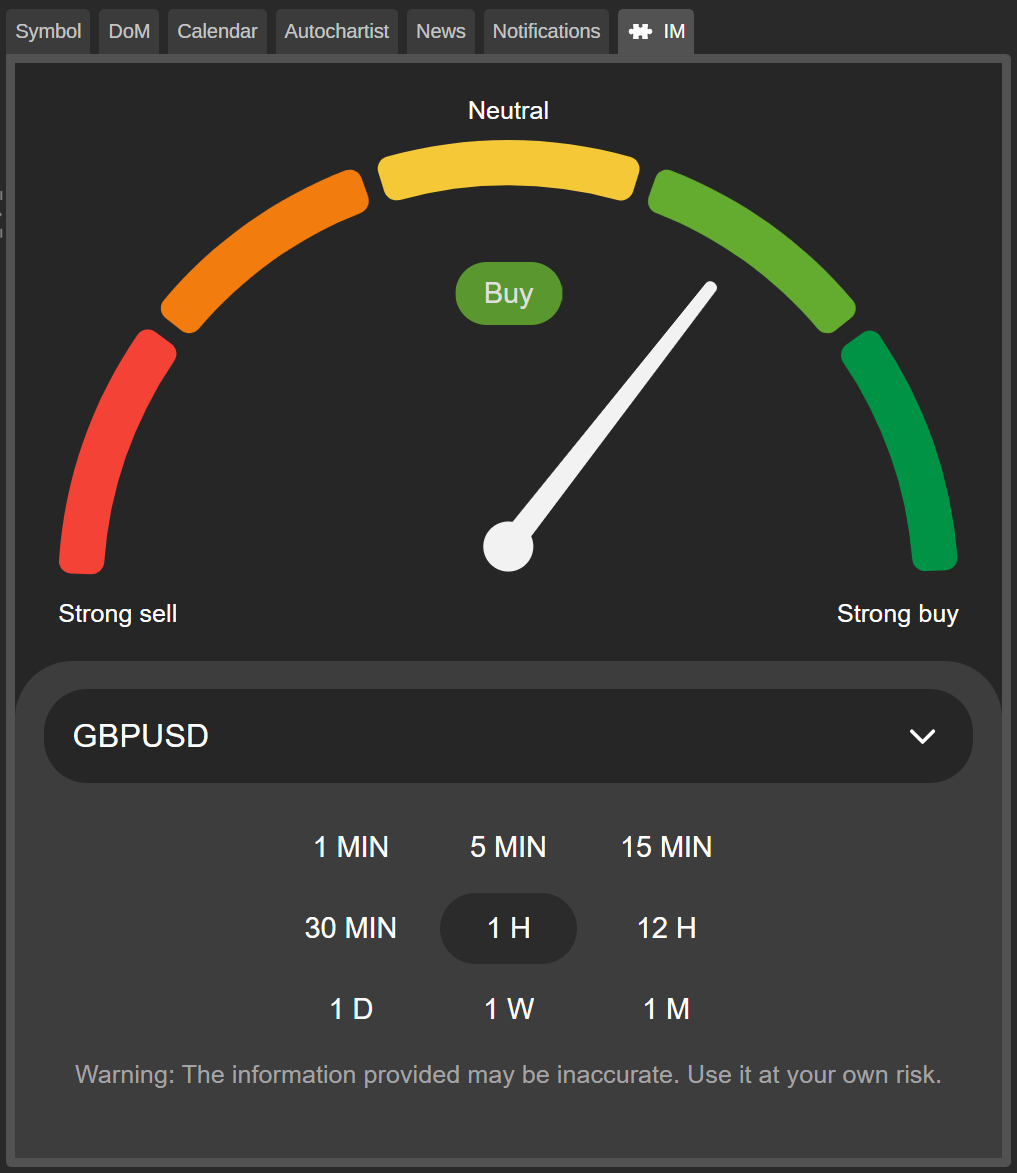
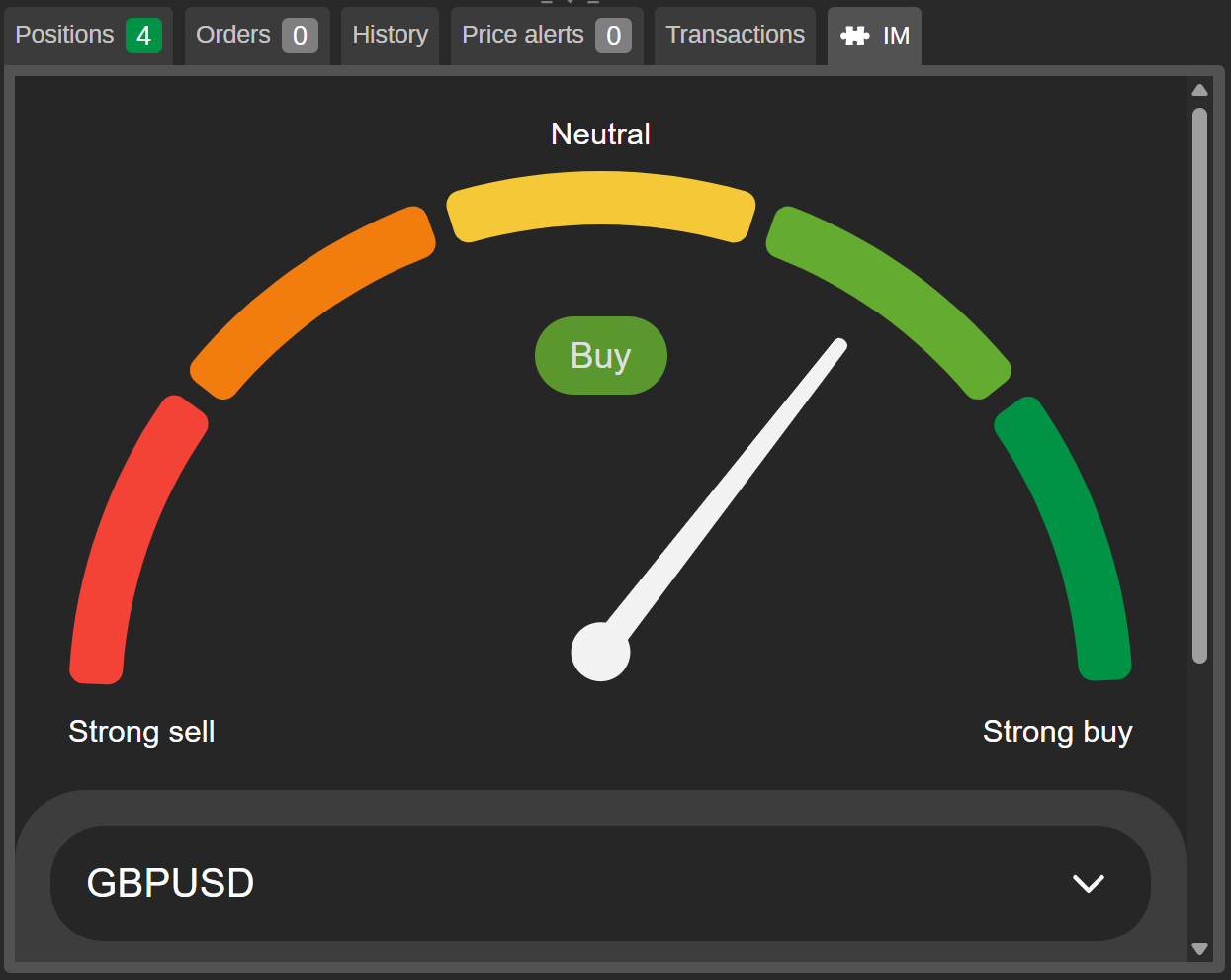
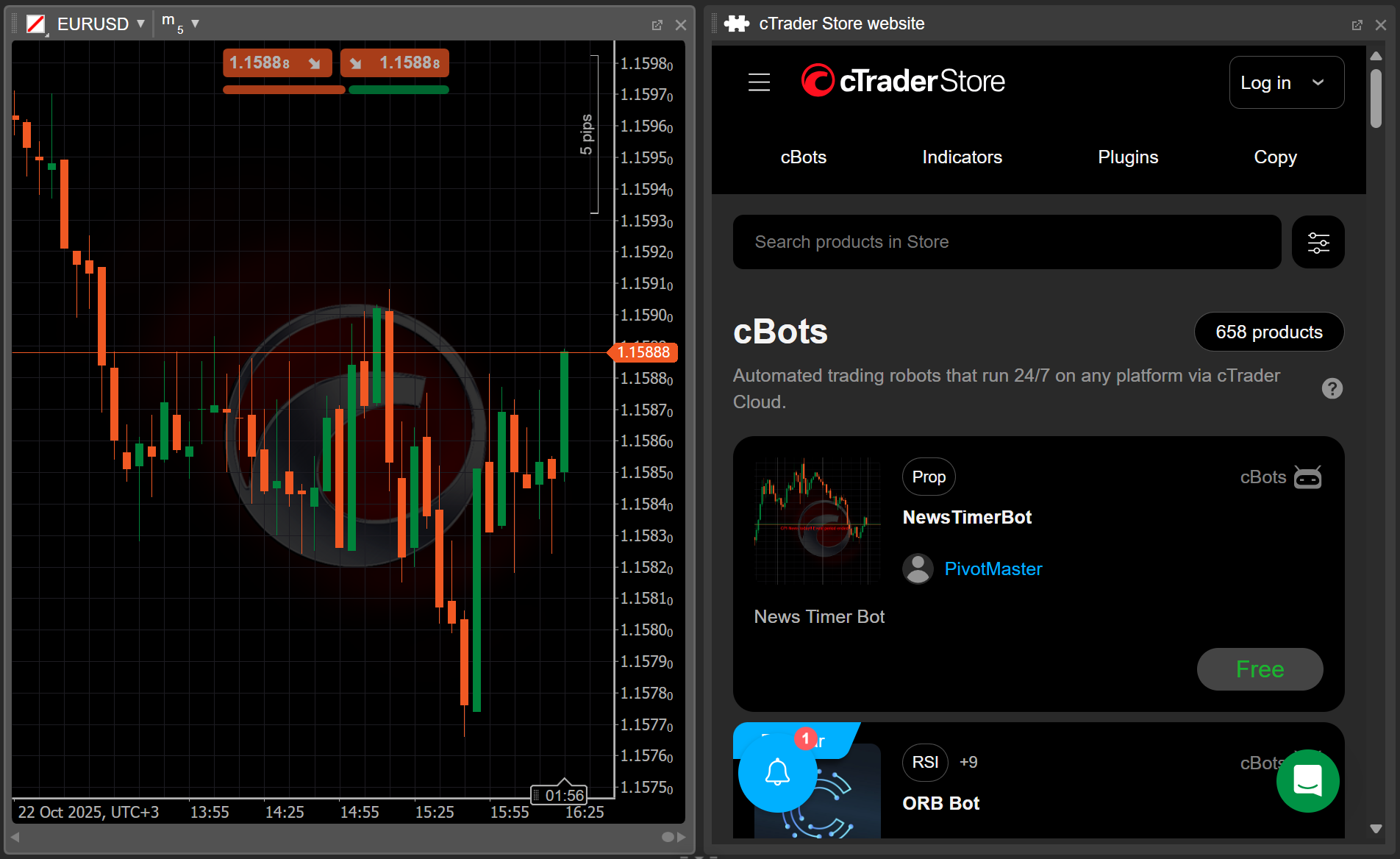
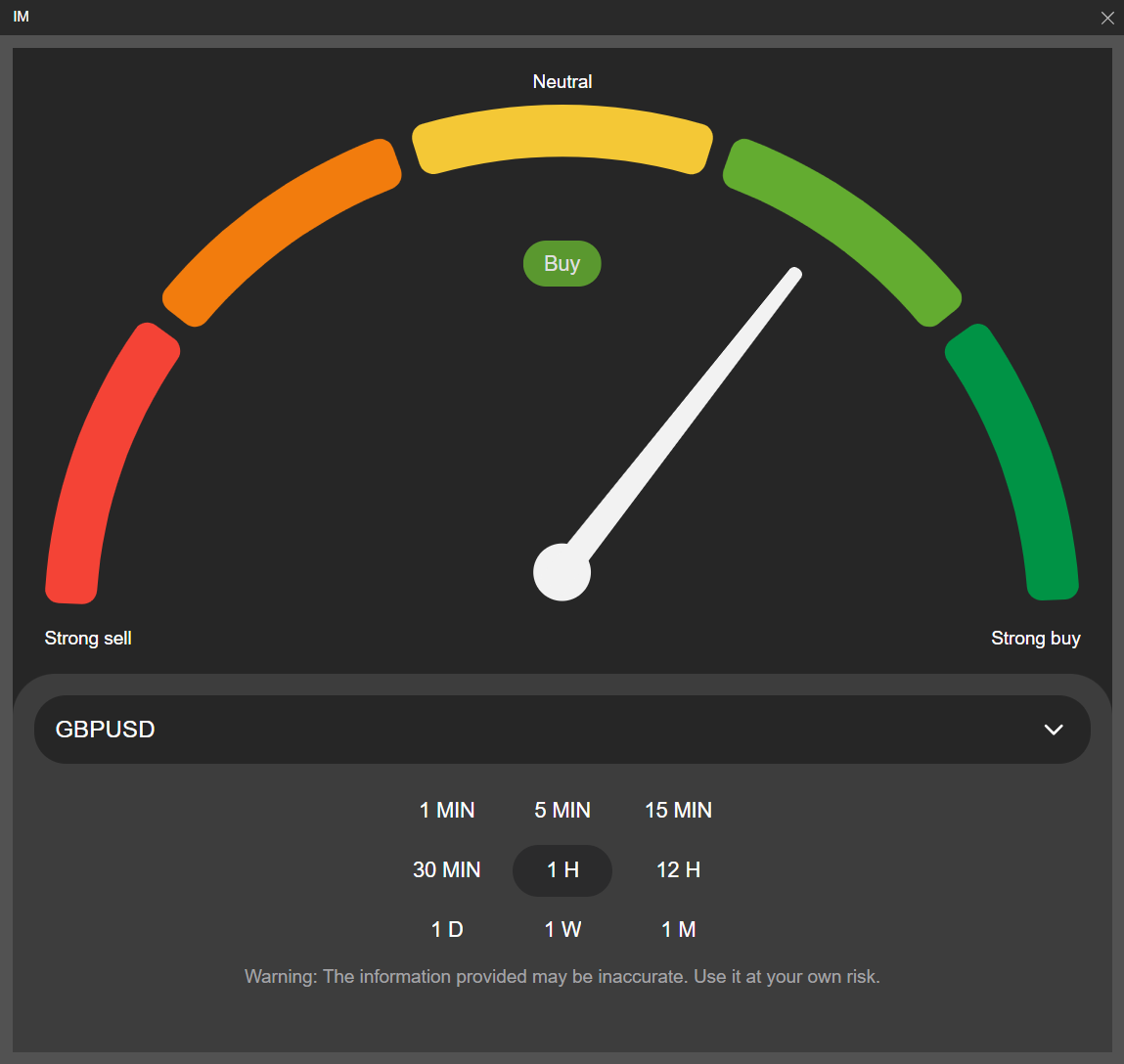
In cTrader Web, Windows and Mac, any added plugin automatically appears in one or several UI areas.