Add a plugin in cTrader
Add a plugin by installing one from cTrader Store, or create your own.
Note
Сloud synchronisation makes any installed or built plugin appear automatically in supported cTrader apps, where your cTrader ID is active.
From any screen in the Trade app, pull down to access the plugin bar, then tap the Add icon.
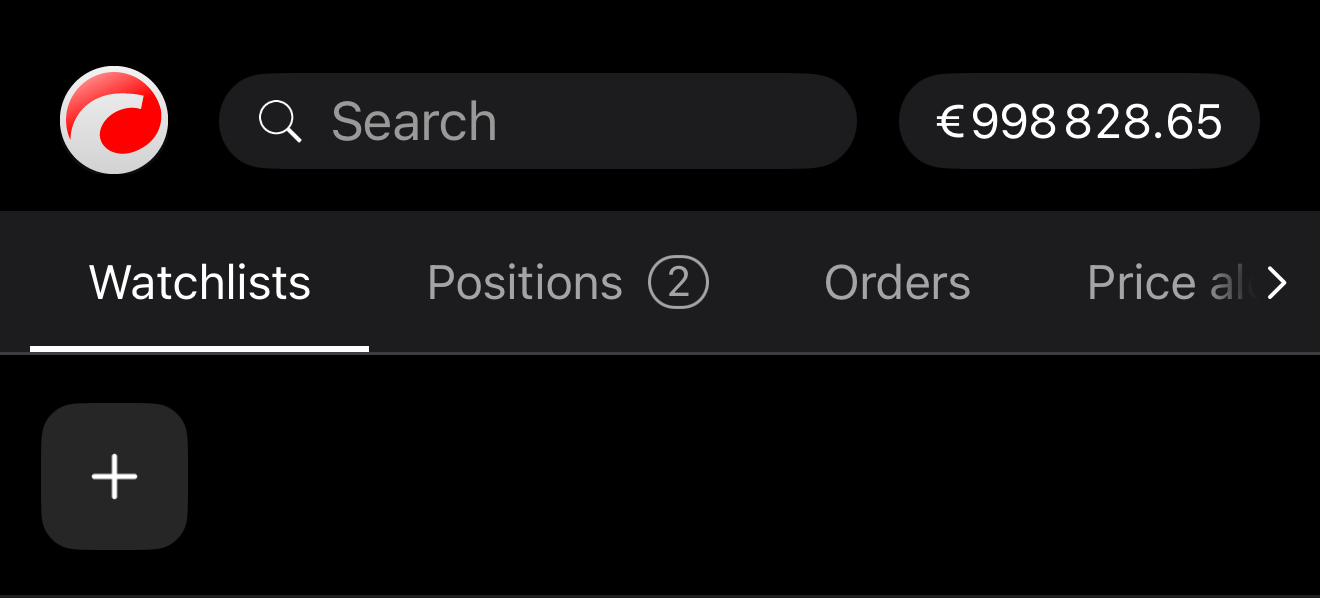
A bottom sheet opens, displaying plugins available in cTrader Store.
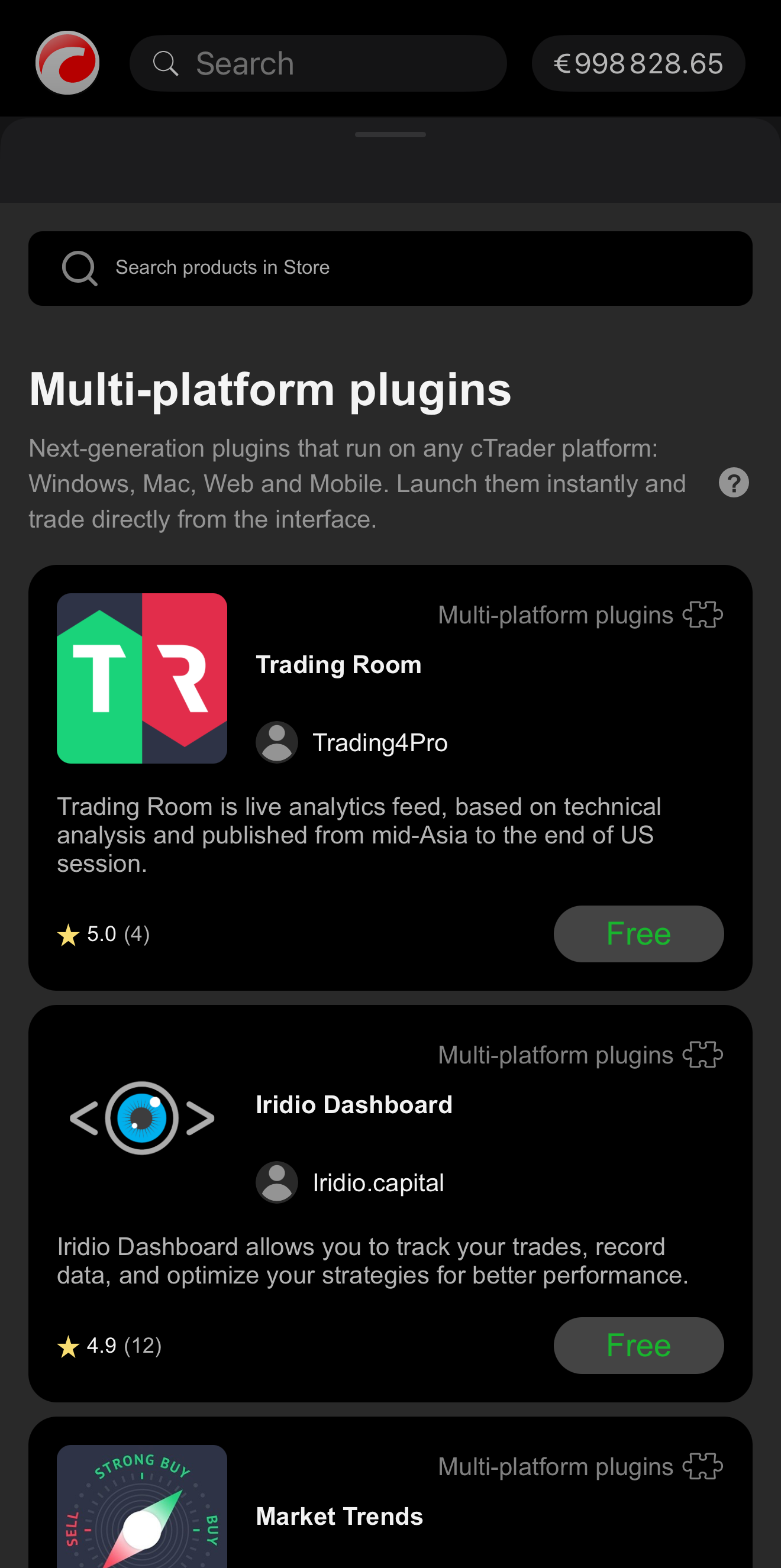
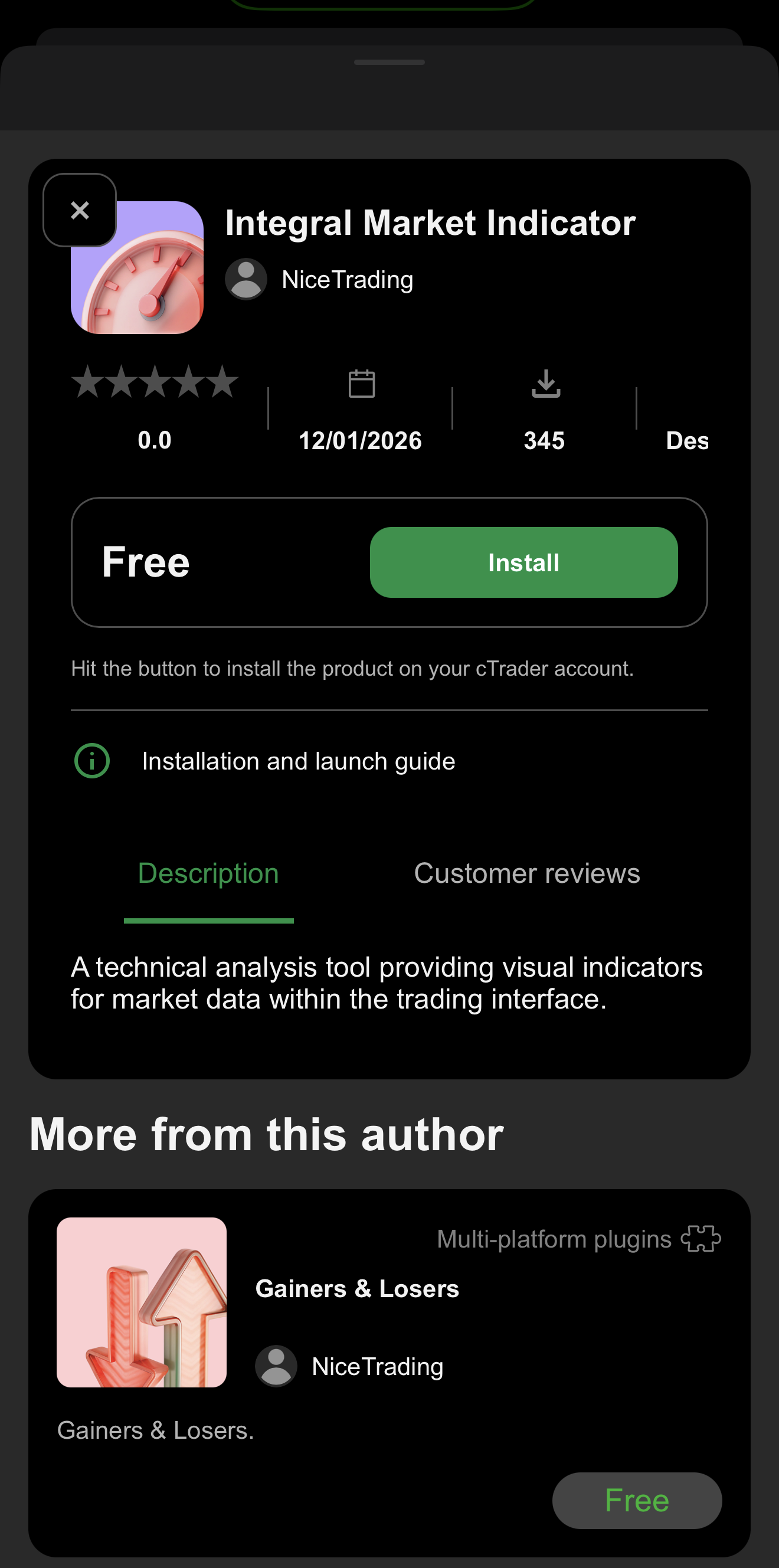
Select a plugin to open its details page and then tap Install.
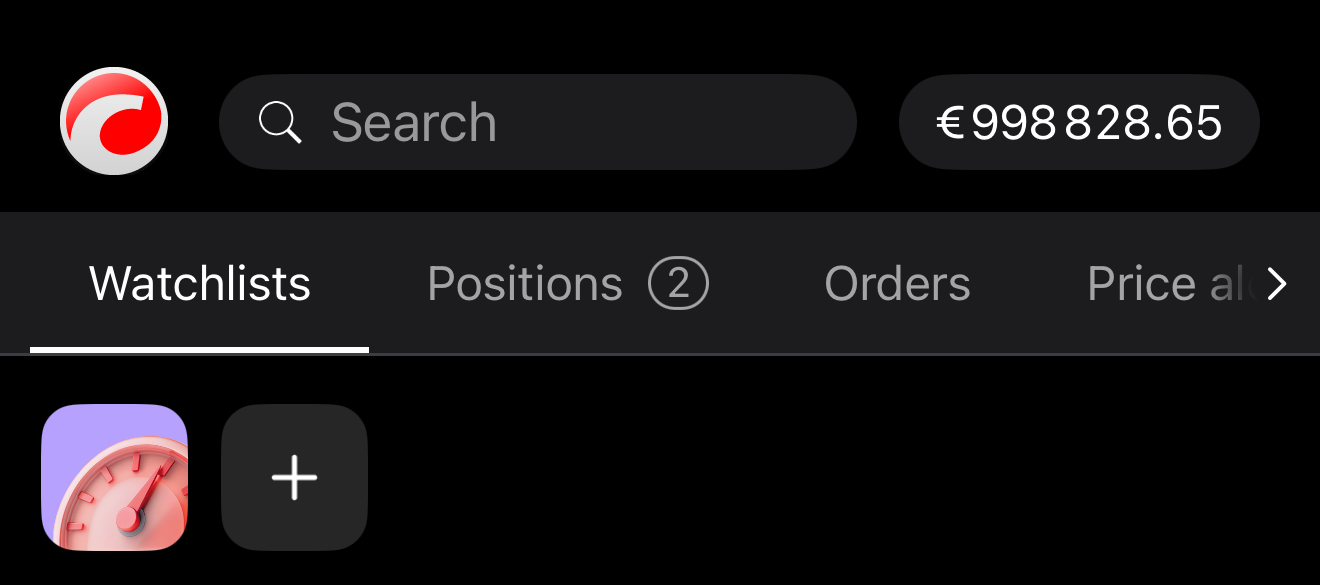
Upon successful installation, close the bottom sheet. The newly added plugin should appear in the plugin bar.
Note
If an installed plugin does not appear in any UI area, make sure that the plugin is enabled and check its placement settings.
Learn how to add plugins if you start your journey from cTrader Store.
In the Plugins tab of cTrader Algo, click Get algos from Store, and the plugins page will open.
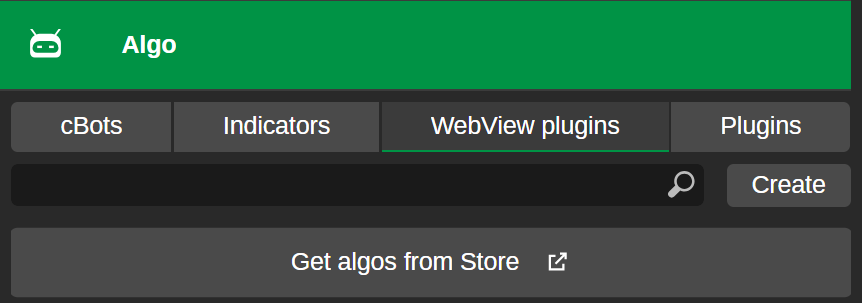
Learn how to install plugins from Store.
Note
If an installed plugin does not appear in any UI area, make sure that the plugin is enabled and check its placement settings.
In the Plugins tab of cTrader Algo, click Get algos from Store, and the plugins page will open.
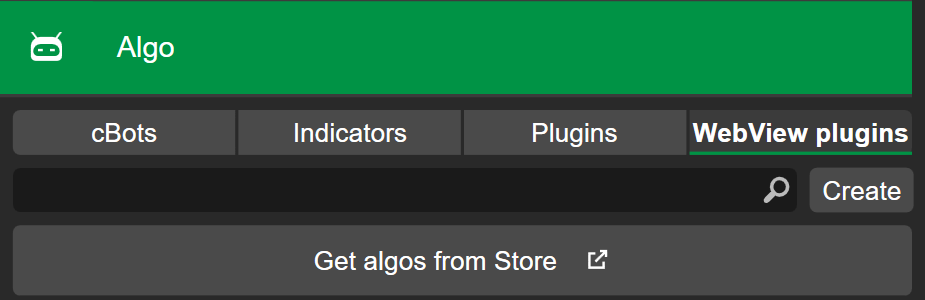
Learn how to install plugins from Store.
Alternatively, if you have an .algo file, do one of the following:
- Double-click the plugin
.algofile, and it should open in the cTrader app. - Right-click the file, select Open with and choose cTrader.
Once cTrader finishes installing the plugin, you can start using it.
Note
If an installed plugin does not appear in any UI area, make sure that the plugin is enabled and check its placement settings.
In the Plugins tab of cTrader Algo, click Get algos from Store, and the plugins page will open.
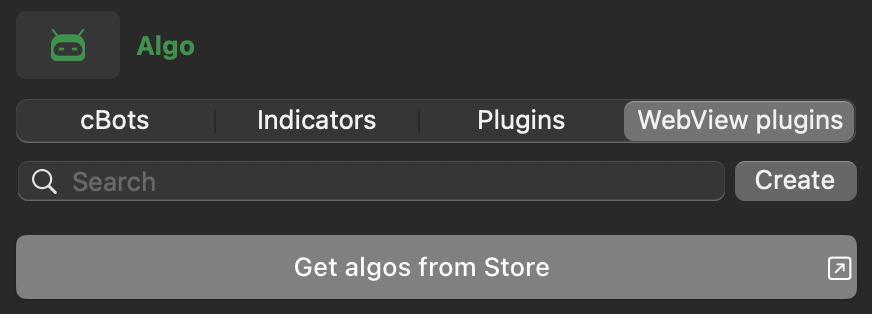
Learn how to install plugins from Store.
Alternatively, if you have an .algo file, do one of the following:
- Double-click the plugin
.algofile, and it should open in the cTrader app. - Right-click the file, select Open with and choose cTrader.
Note
If an installed plugin does not appear in any UI area, confirm that the plugin is enabled and check its placement settings.