Report a plugin
A report option is available for certain plugins in cTrader apps.
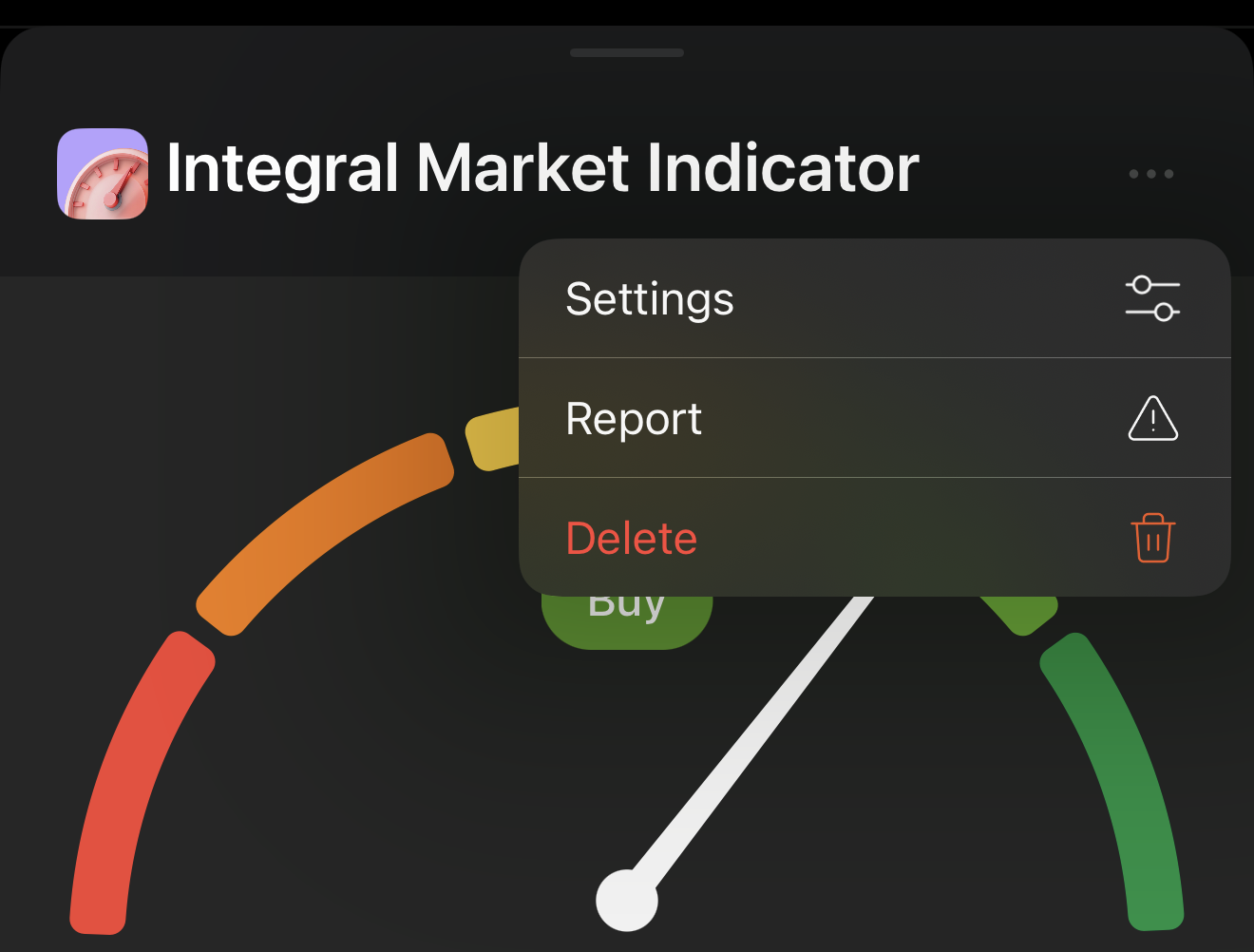
Open the expanded view of the plugin, tap the More icon, then select Report.
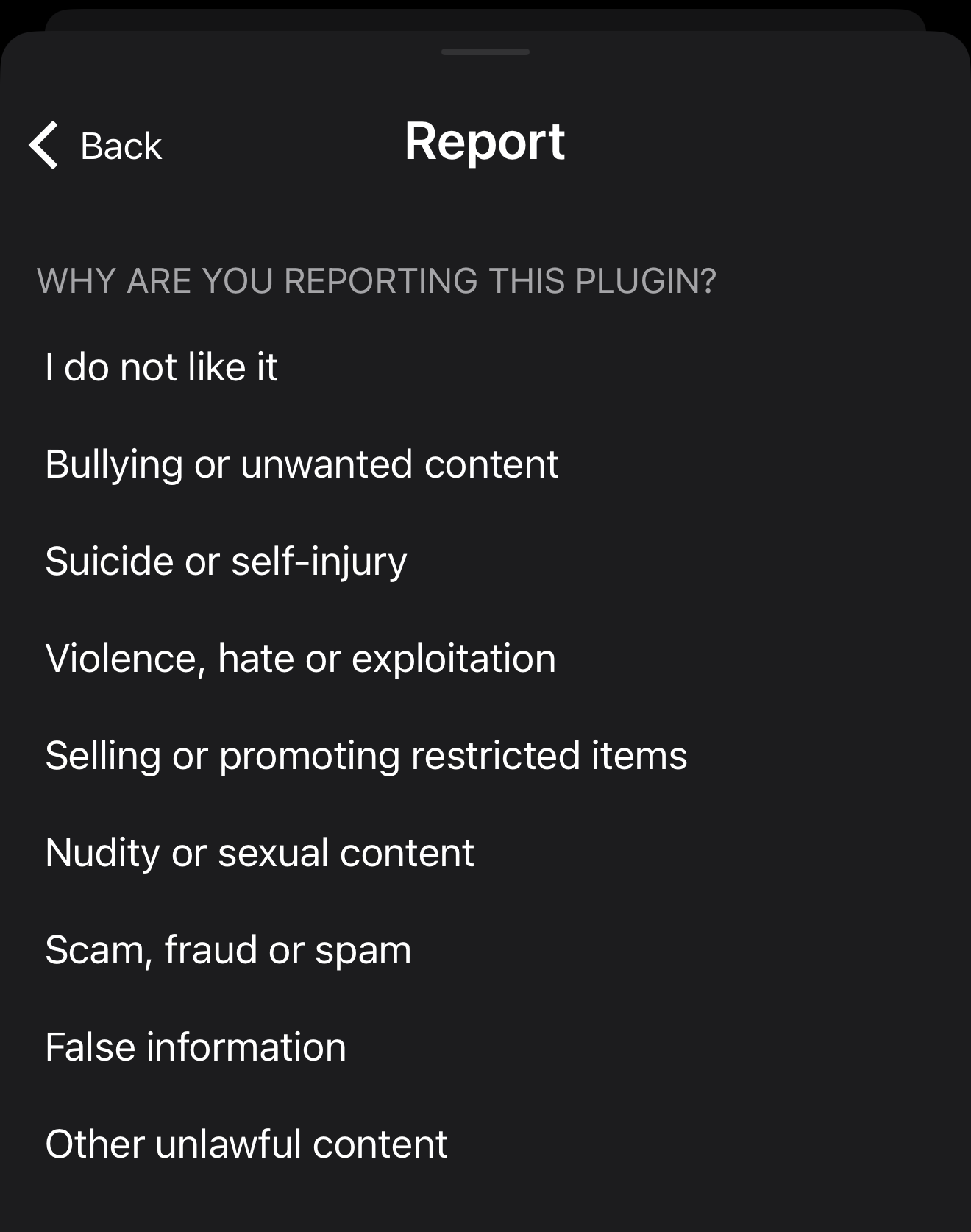
Choose a reason, and your report will be sent automatically.
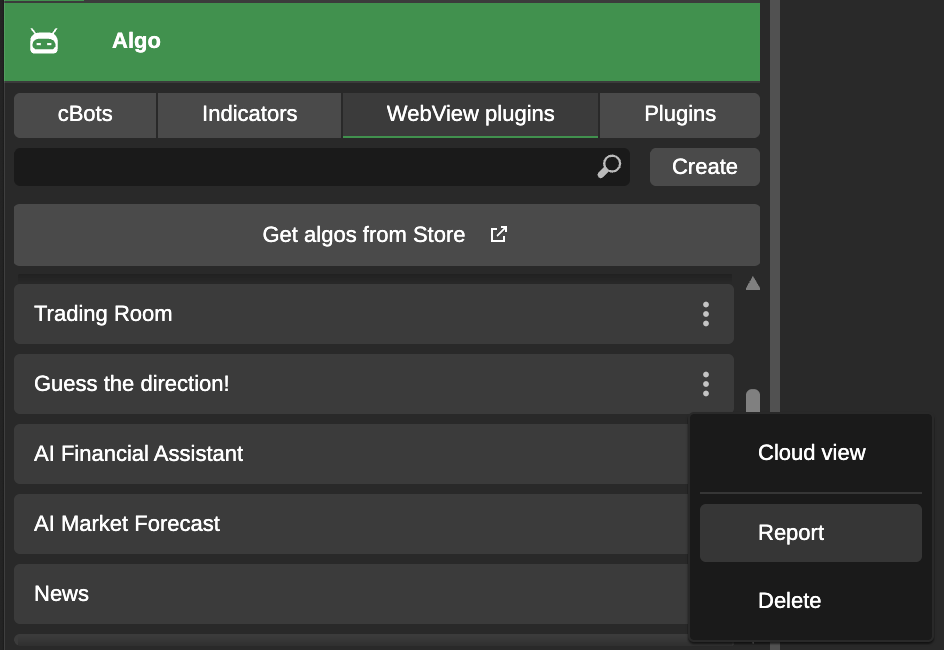
Navigate to the Plugins tab in cTrader Algo, click the More icon of the plugin, then select Report.
Choose a reason for your report, and if you want the plugin to be removed, enable the Delete plugin option.
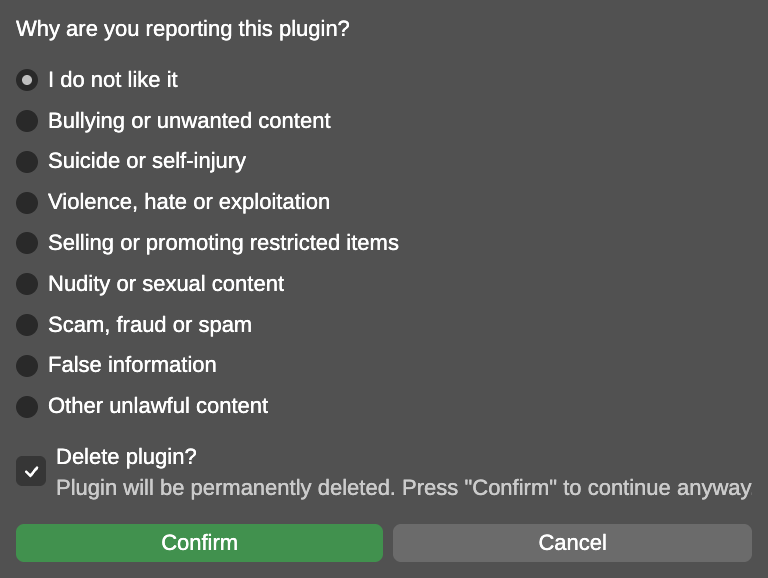
Click the Confirm button, and your report will be sent.
Navigate to the Plugins tab in cTrader Algo, click the More icon of the plugin, then select Report.
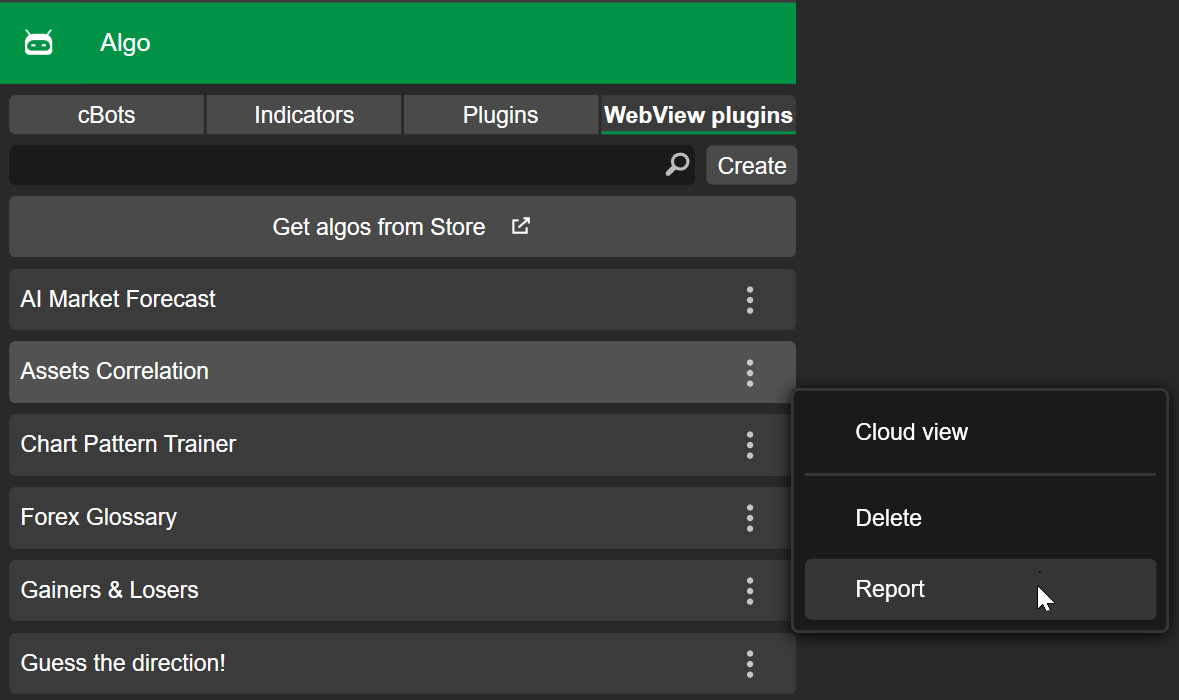
Choose a reason for your report, and if you want the plugin to be removed, enable the Delete plugin option.
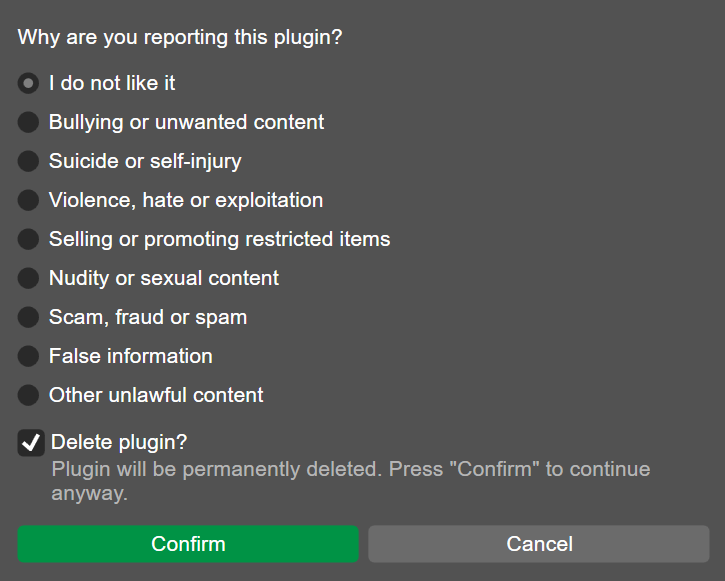
Click the Confirm button, and your report will be sent.
Navigate to the Plugins tab in cTrader Algo, the right-click the plugin.
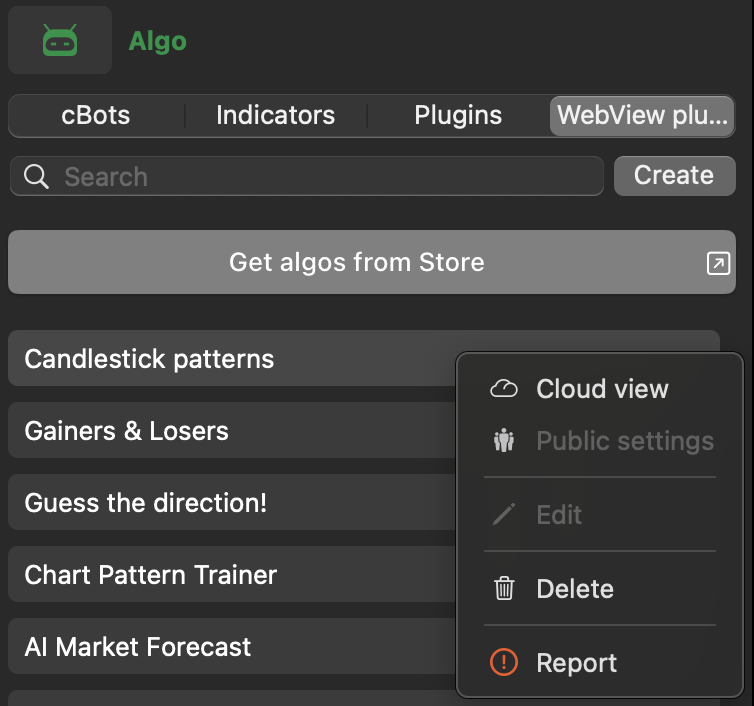
Choose a reason for your report, and if you want the plugin to be removed, enable the Delete plugin option.
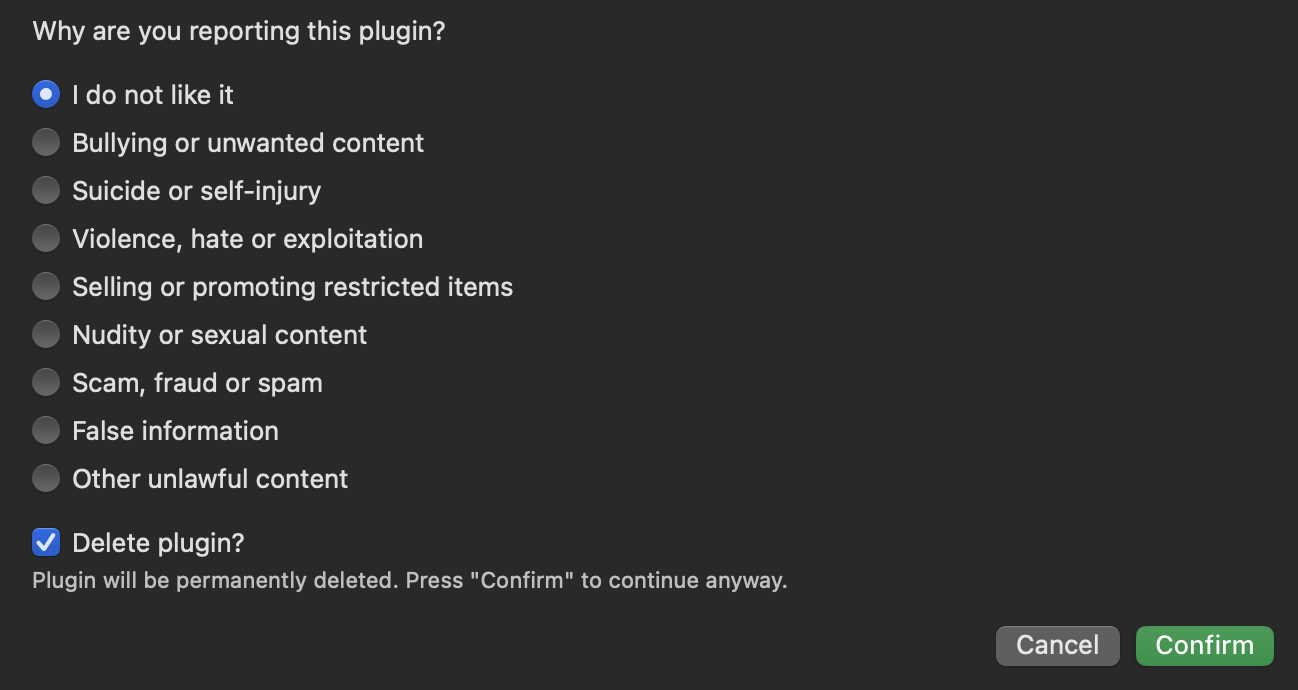
Click the Confirm button, and your report will be sent.